
Tools, 3D-World, Coordinate system
Tools
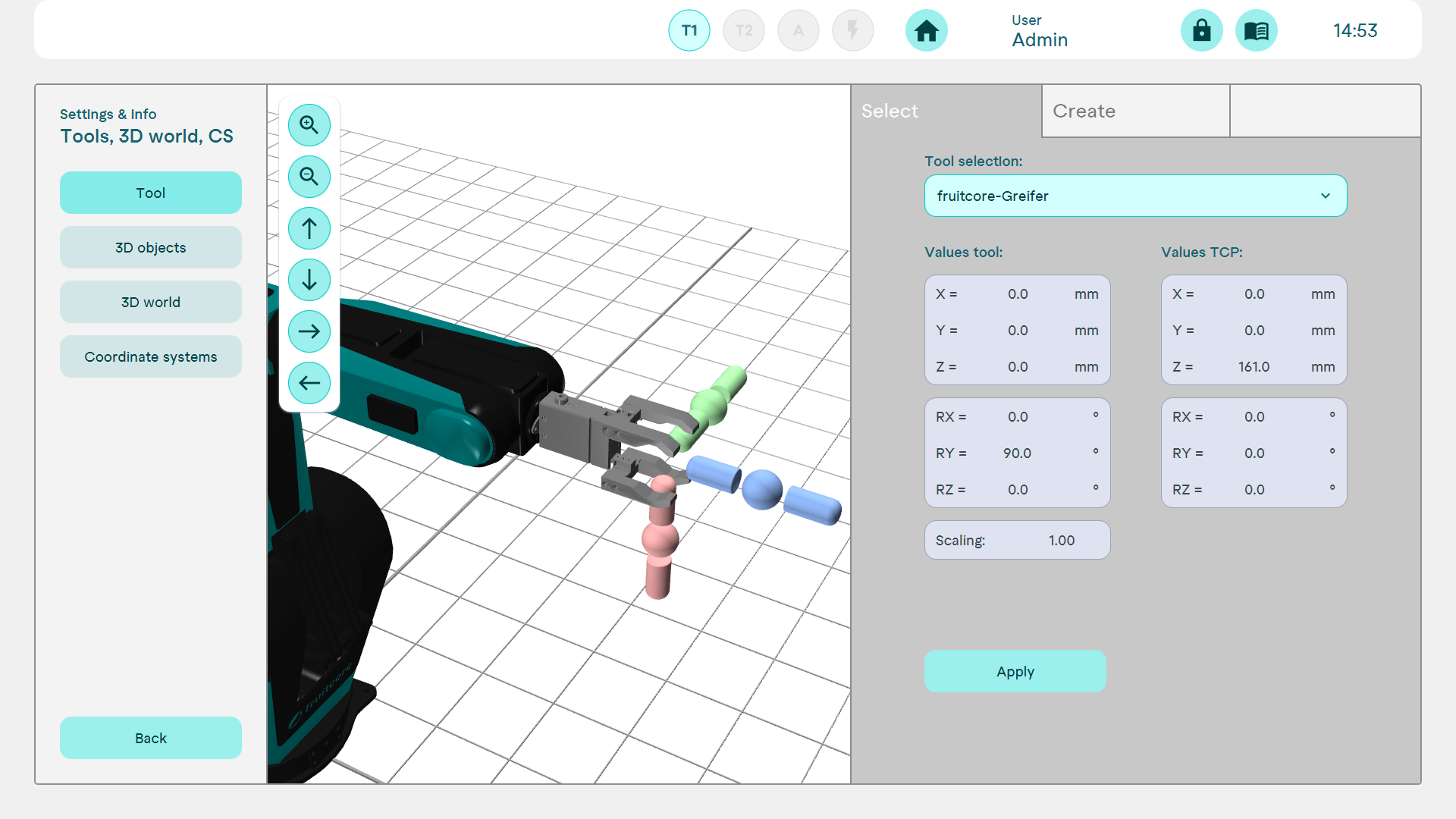
In the Select tab, you can choose between existing or created tools. These are then selected by default for new programs.
Creating tools
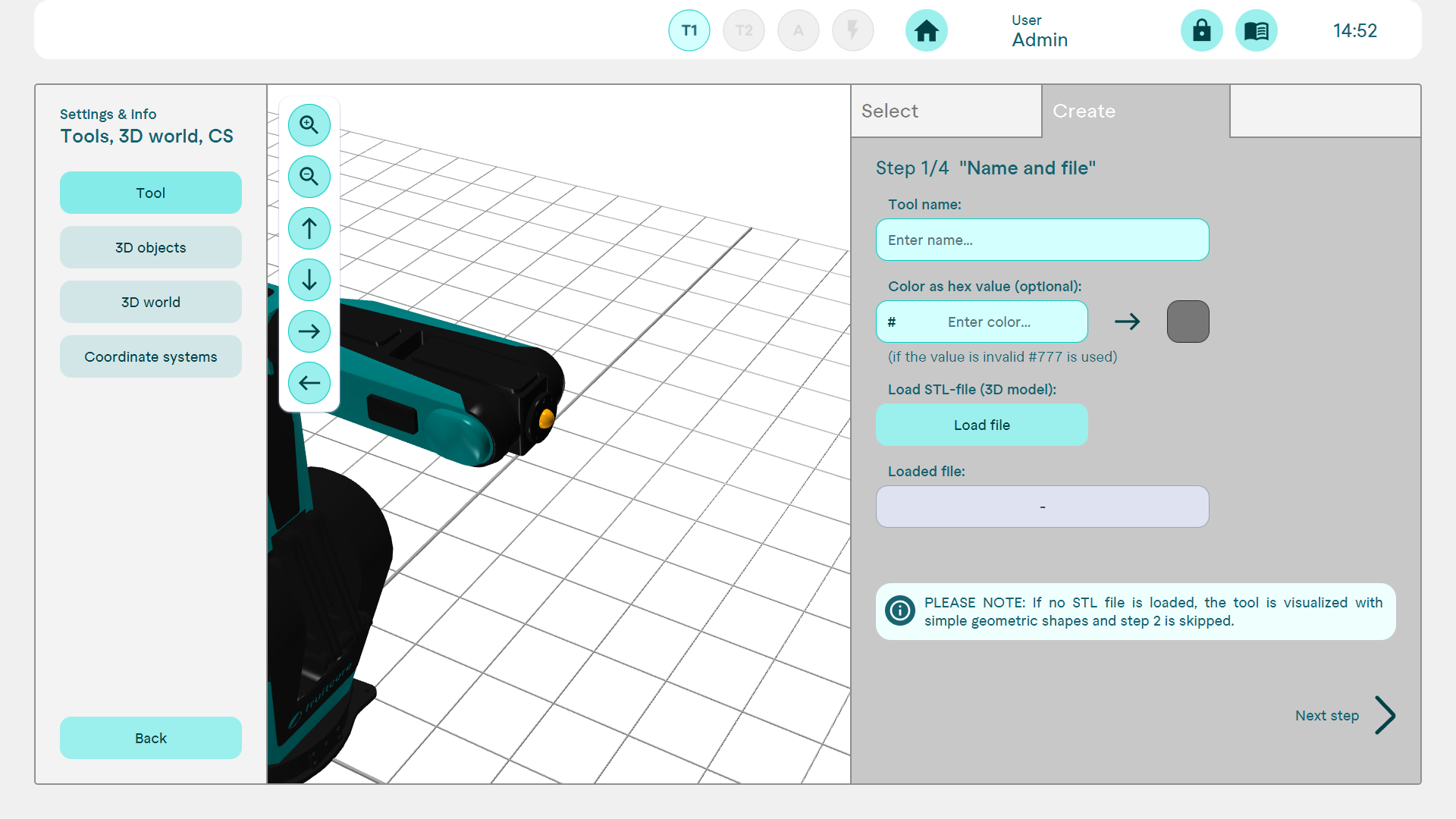
To create a new tool, it is not absolutely necessary to import and load an STL file. If no STL file is loaded in this step, the tool is visualised with simple geometric shapes and step 2 is skipped.
After naming and importing the STL file, the imported tool can be customised in terms of offset and orientation.
In the next step, the TCP and its orientation can be adjusted.
The tool can be finalised in the overview.
3D-Objects
3D objects can only be created using stl files.
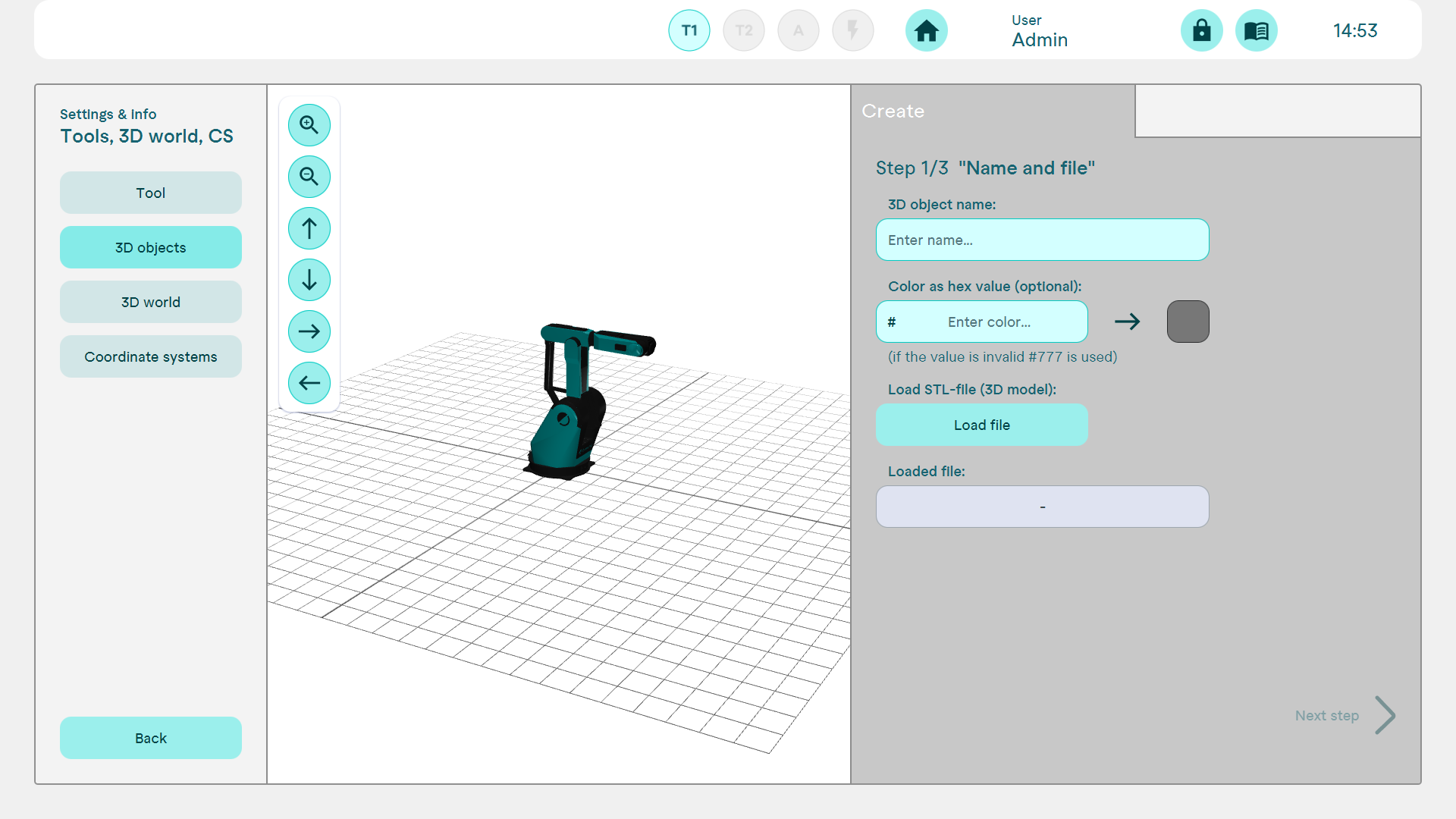
After uploading the file, the object can be placed in space by defining the offset and orientation.
3D-World
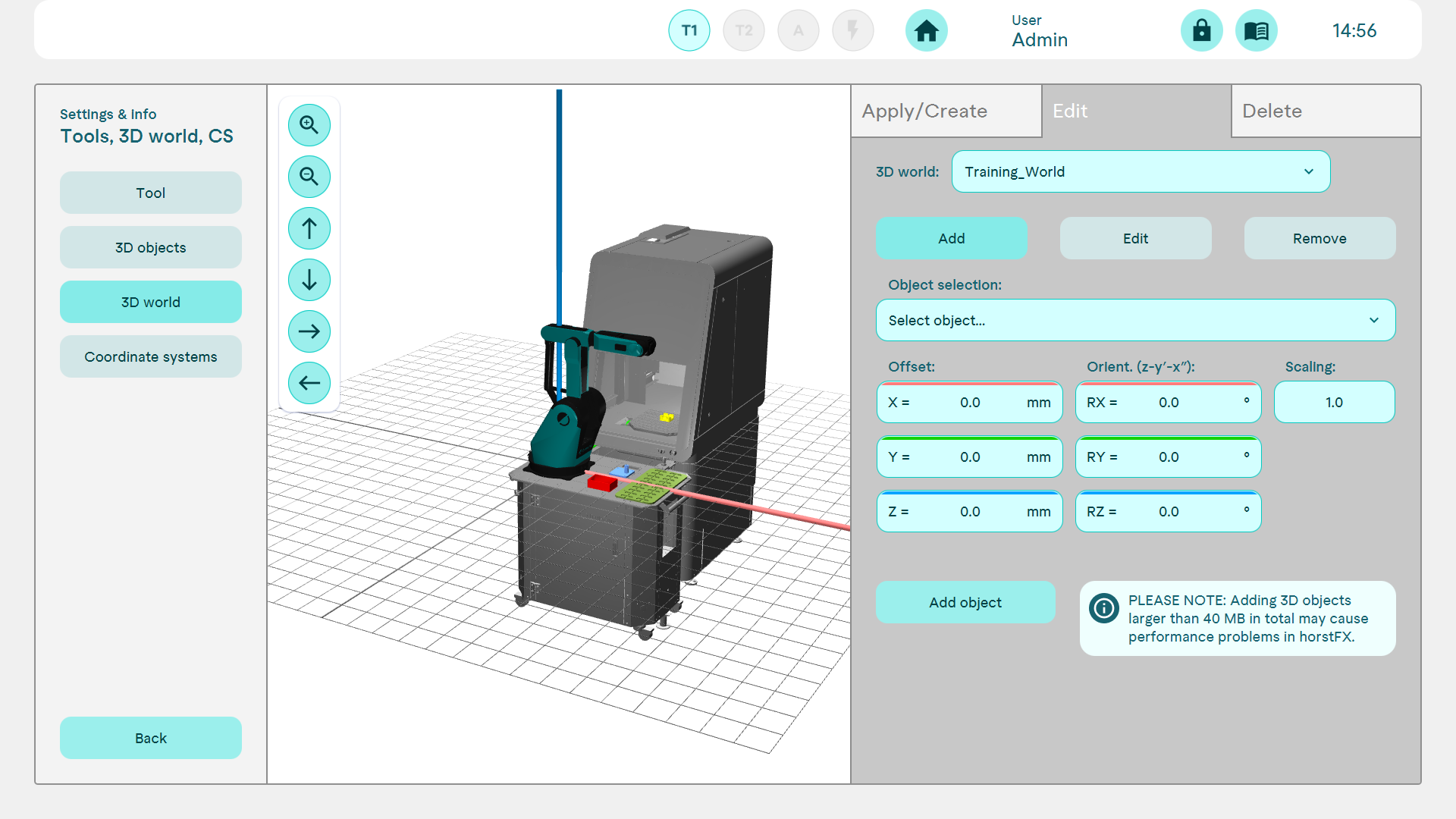
In a 3D world, several previously imported 3D objects can be arranged as required and saved as a configuration. This allows the robot's working environment to be modelled.
Coordinate systems
User-defined coordinate systems can be created, which can then be used in the individual actions. This is useful for inclined palletising processes, for example.
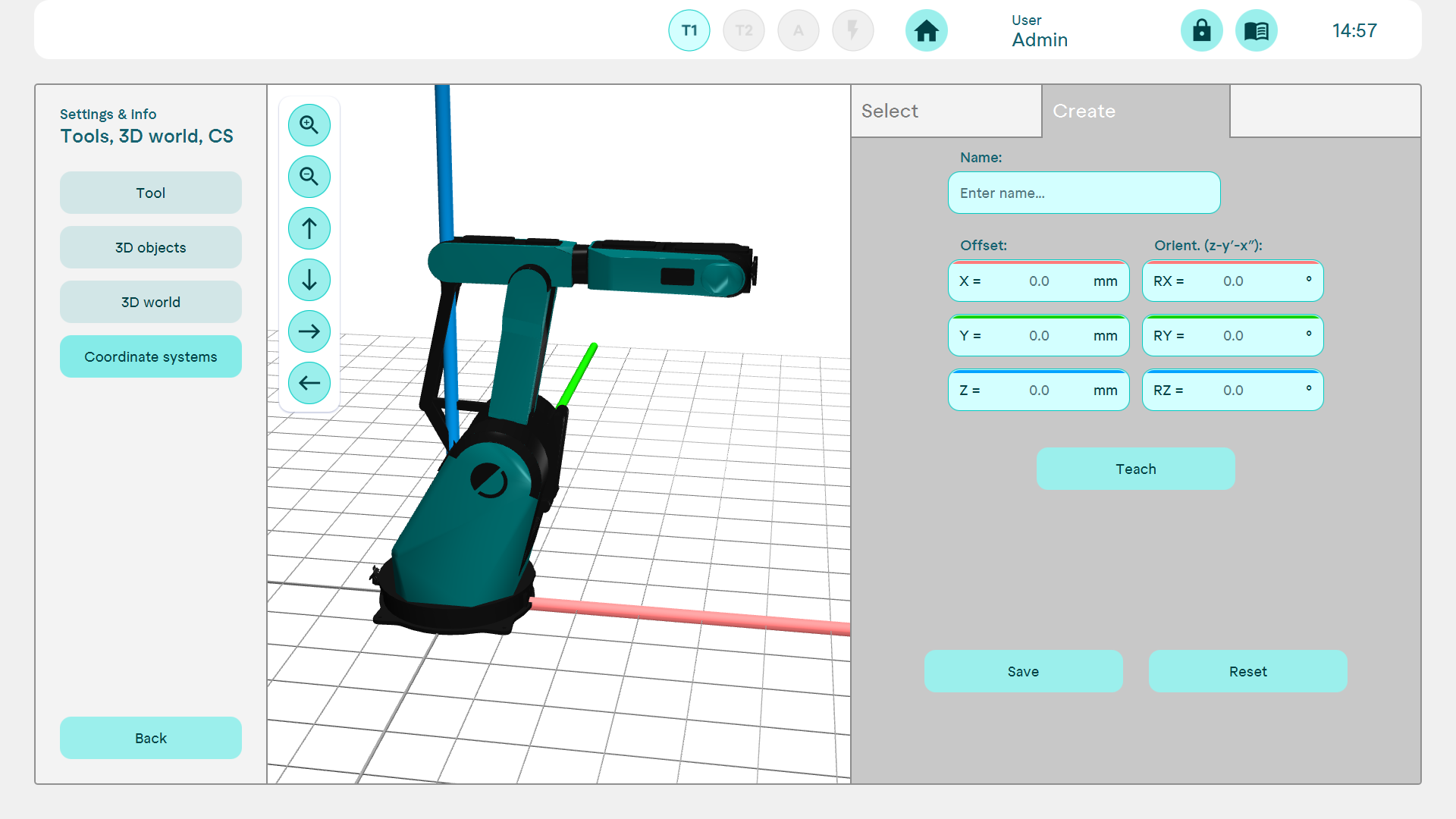
A coordinate system is created by specifying an offset and an orientation. This can be specified or learnt by moving to points. Adjustments can be made after creation.