Process control
This article describes the process control screen
The process control screen replaces the user-specific operating view in horstFX.
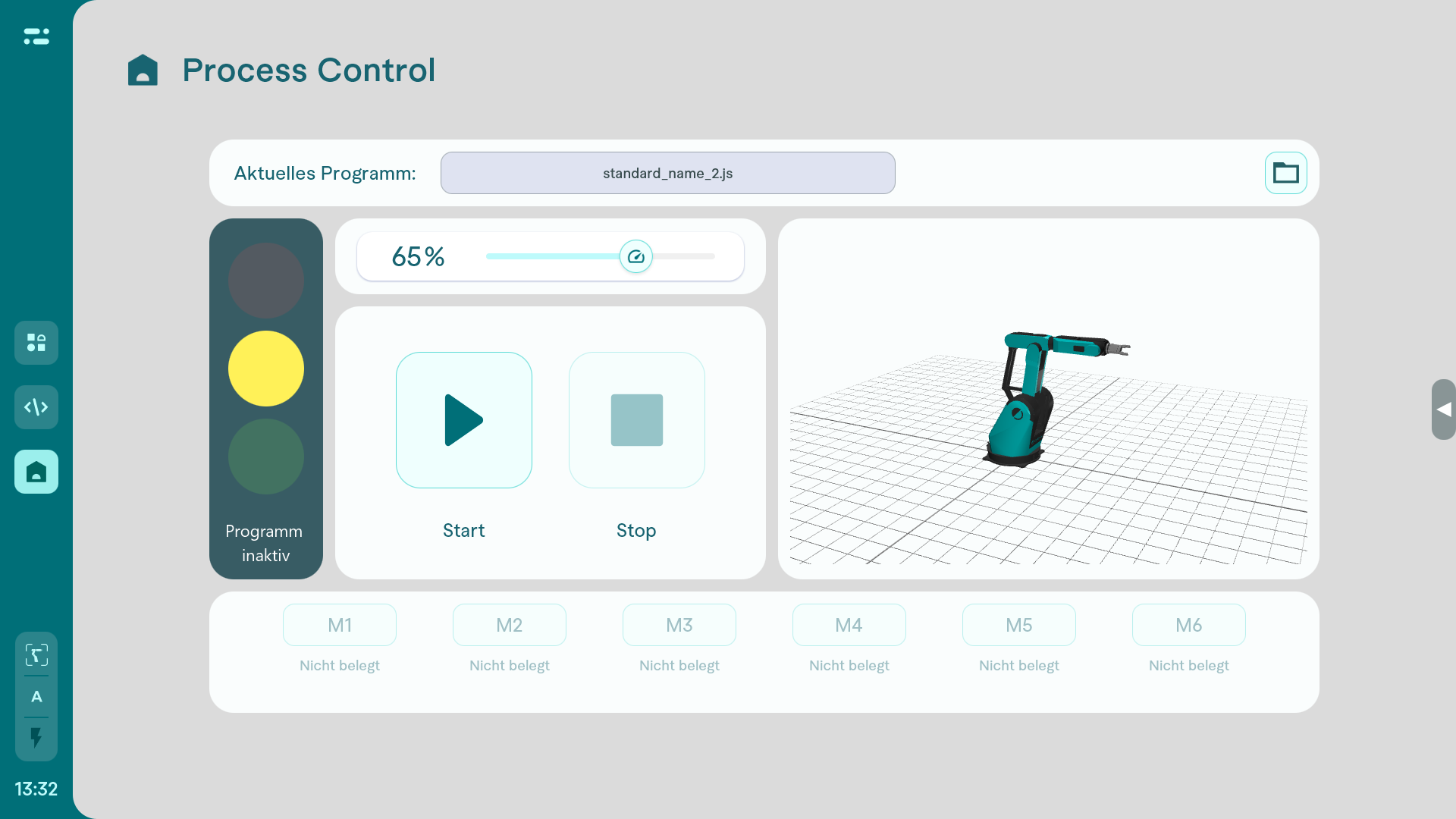
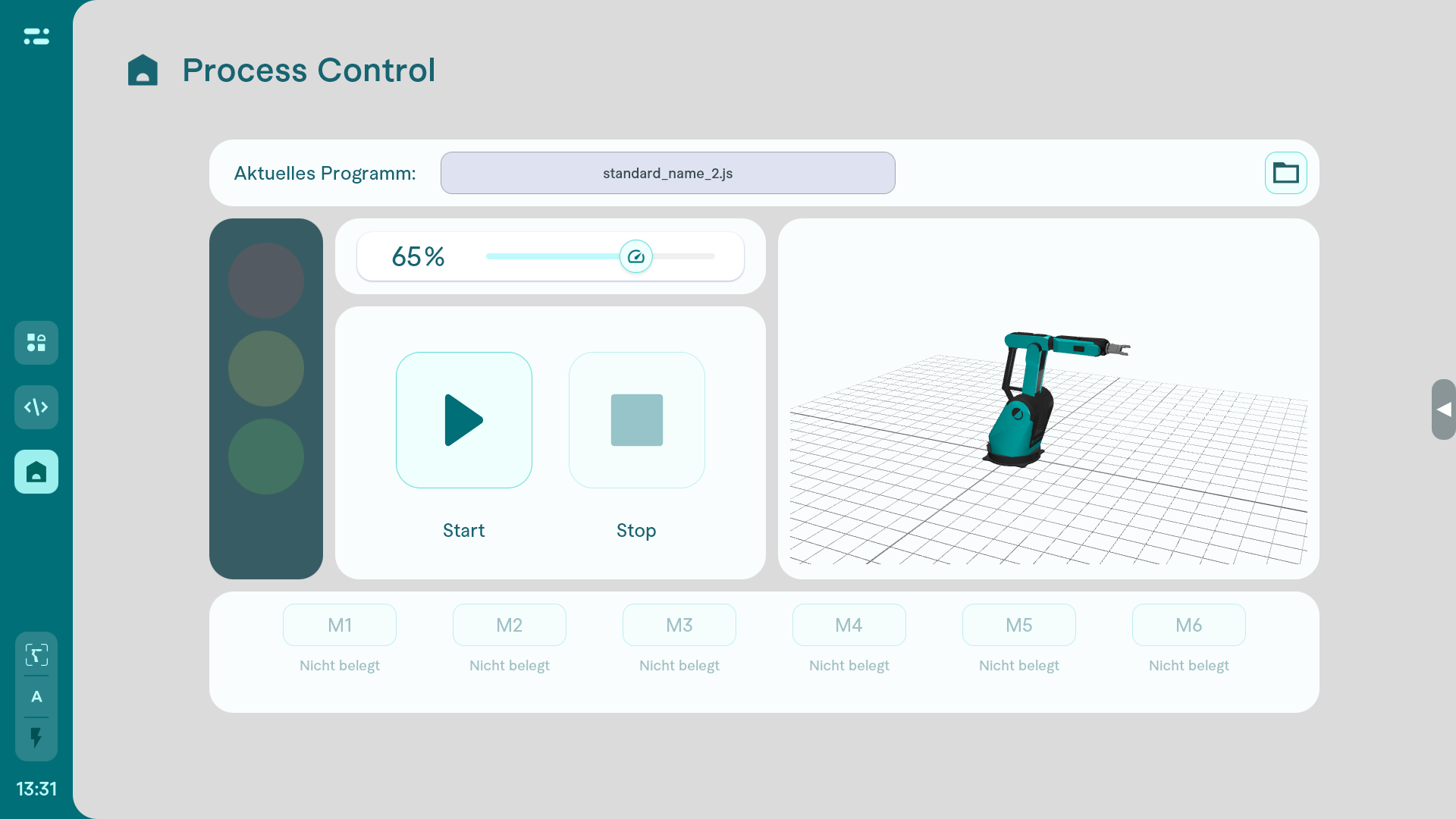
The traffic light indicates at a glance whether the program is currently running (green), paused or finished (yellow), or whether there is an error (red).
Next to it is a button for pausing and stopping the application. Above it is the speed slider. This can only be used if speed adjustment has been enabled for the selected program in the system settings.
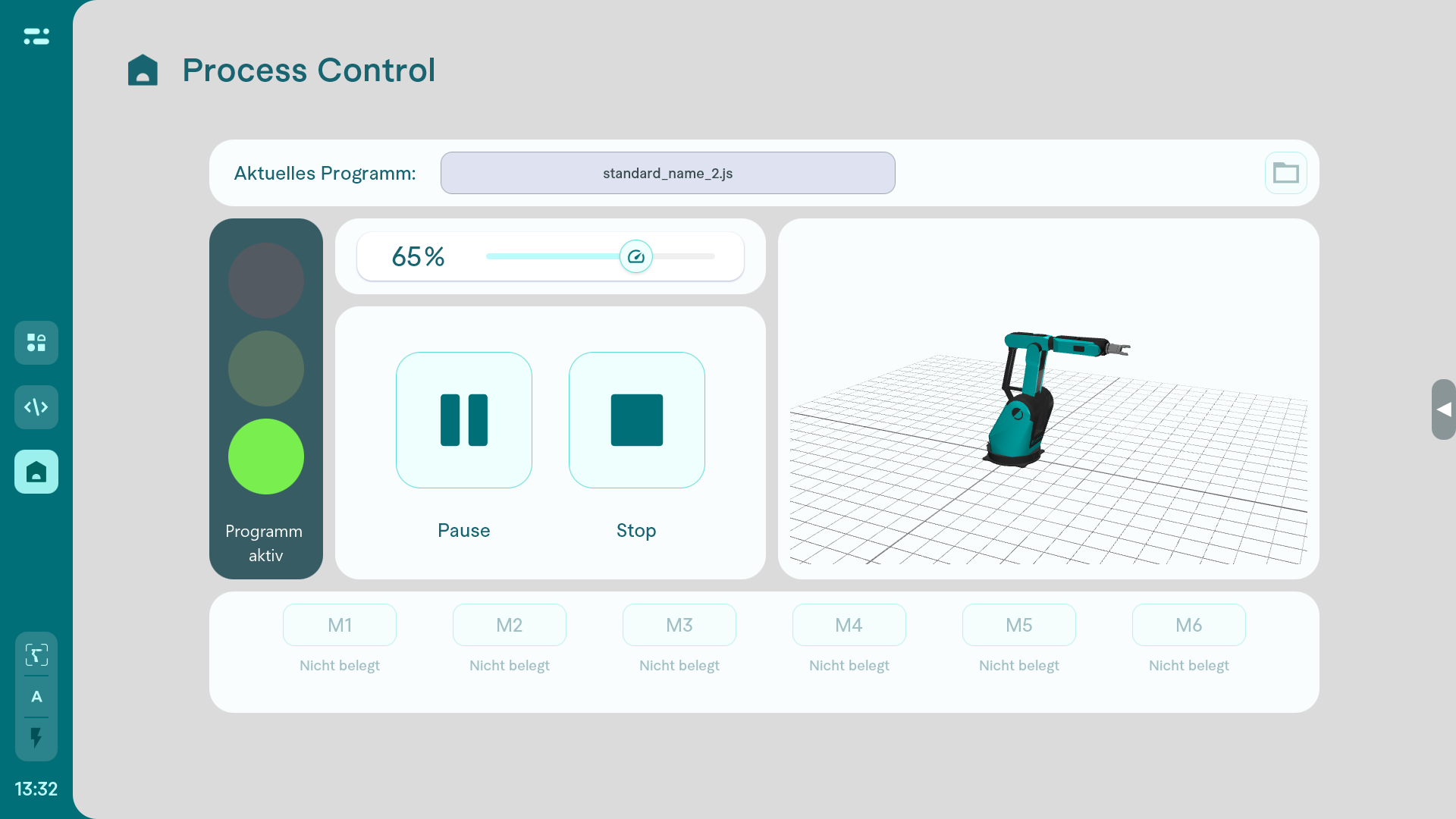
In addition, the robot, including the virtual 3D environment, is represented as a digital twin in the live display.
Six macro buttons are located below this. These provide access to the most important functions defined during programming. These functions can be used to control important processes in the system, such as moving the robot to its home position, starting an external machine or resetting error messages.