
Browser · recorded poses
Inspect a model in the browser
Inspect G2 geometry, joints and source frames using three stored poses.
Coming soonStart with the result you want to inspect. Use the browser for model views, Blender for scenes and renders, or a native simulator for local experiments. Each guide identifies its model, input and working environment.
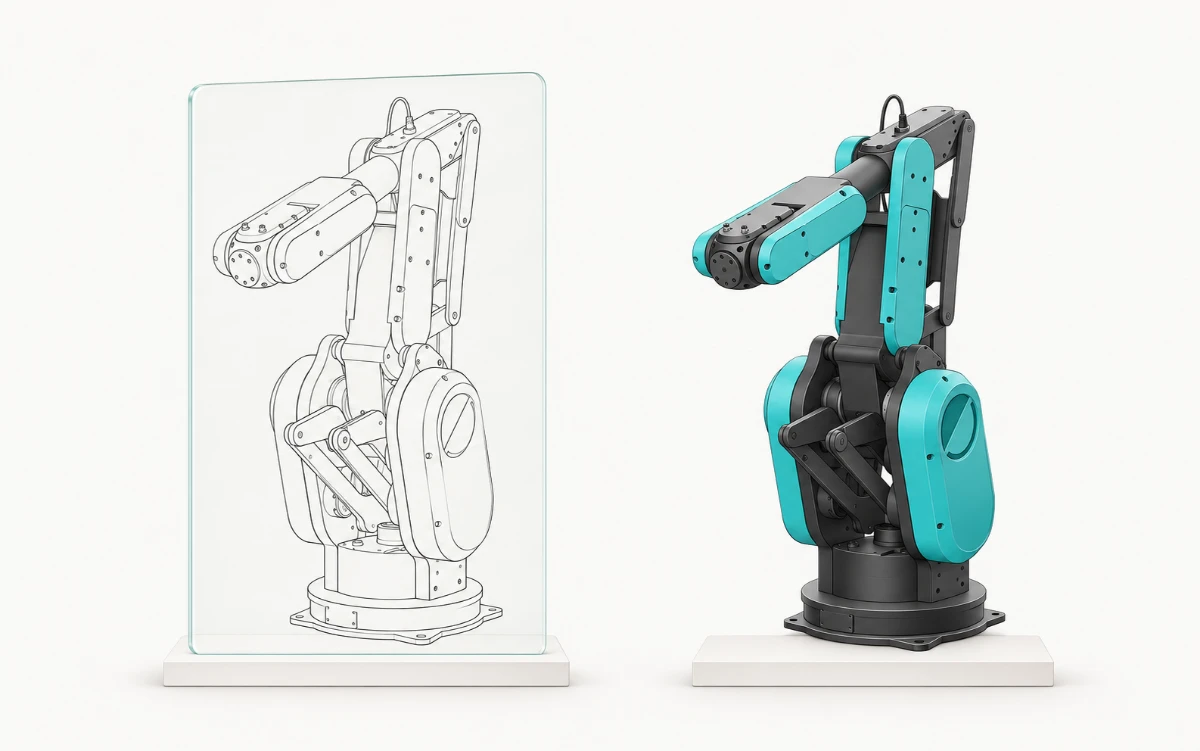
Inspect G2 geometry, joints and source frames using three stored poses.
Coming soonFollow the source-derived cell, native views, renders and recorded camera flight.
Coming soonOpen the model portfolio and local scenes with their specific asset and verification boundaries.
Open Isaac SimChoose MuJoCo, Genesis, Newton, Playground, ManiSkill or cuRobo by backend and experiment.
Coming soonChoose these paths when you already use the application. Its guide identifies installation, license and acceptance prerequisites.
Inspect the prepared G2 cell and current native mesh/frame evidence.
Coming soonVerify source-bound scene preparation; native Editor installation, licensing and acceptance remain separate prerequisites.
Coming soonReview geometry and kinematics; complete station persistence and UI acceptance need a valid license.
Coming soonReview the archive and adapter source; native execution needs an activated eligible license.
Coming soonROS 2: RViz, MoveIt and Gazebo · Visual tour · Tool finder
Coming soon
Shared robot models and advanced research workflows are being prepared. Detailed guides will follow as the respective integrations become available.