
Models & assets
Identify the robot and interfaces
Check model families, shared assets and documented hardware boundaries.
Open the hardware overviewStart with the exact robot identity. Then choose a read view, a local planning example or the related asset and interface boundaries.
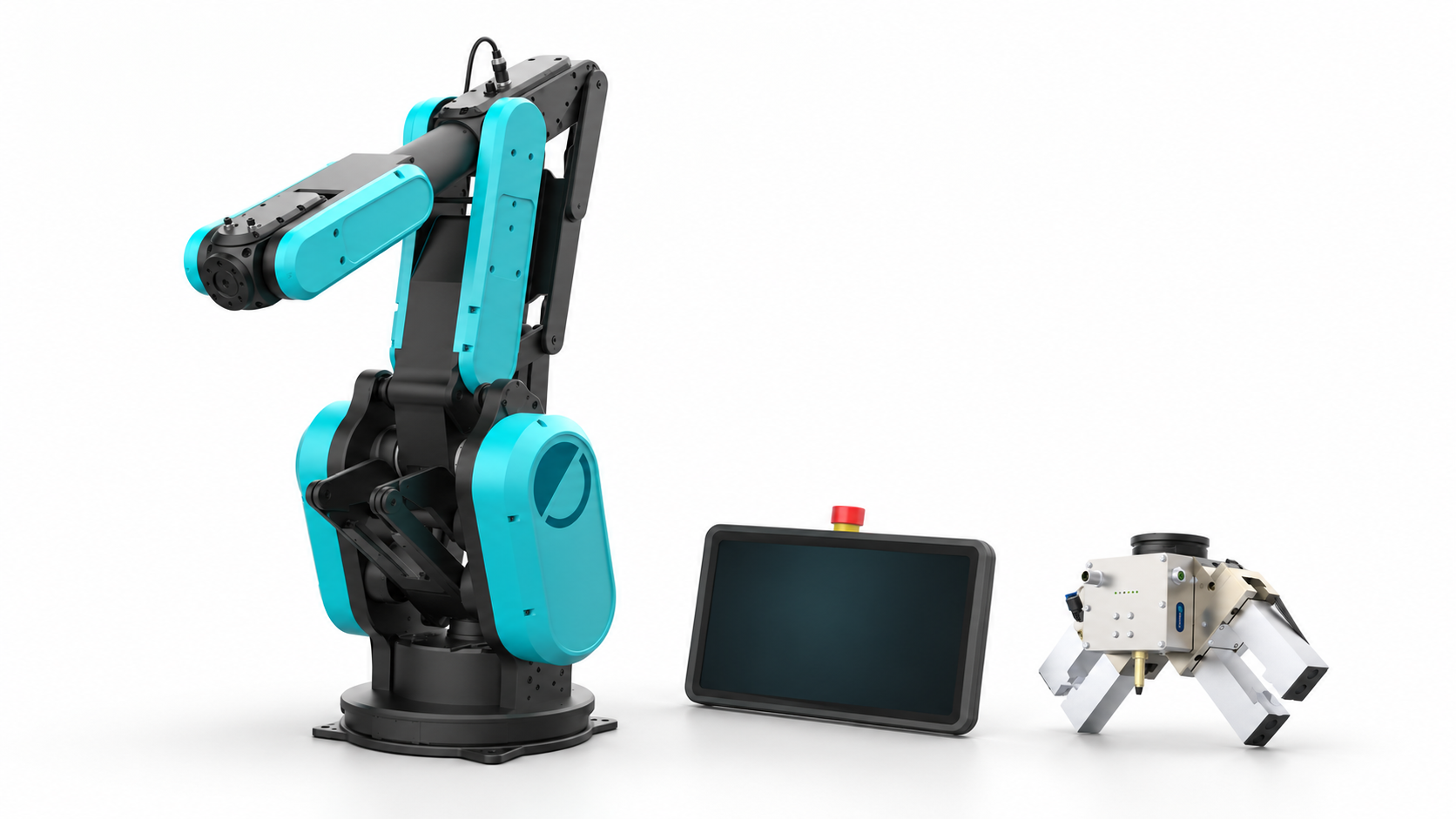
Check model families, shared assets and documented hardware boundaries.
Open the hardware overviewChoose Runtime reads in RViz, MoveIt planning, Gazebo preview or explicit Runtime proposals separately.
Choose a ROS modeChoose a browser, editable cell or native simulator for the result you need.
Choose a visualizationFor application code: SDKs and Robot APIs. For specific tools: integration catalog.