
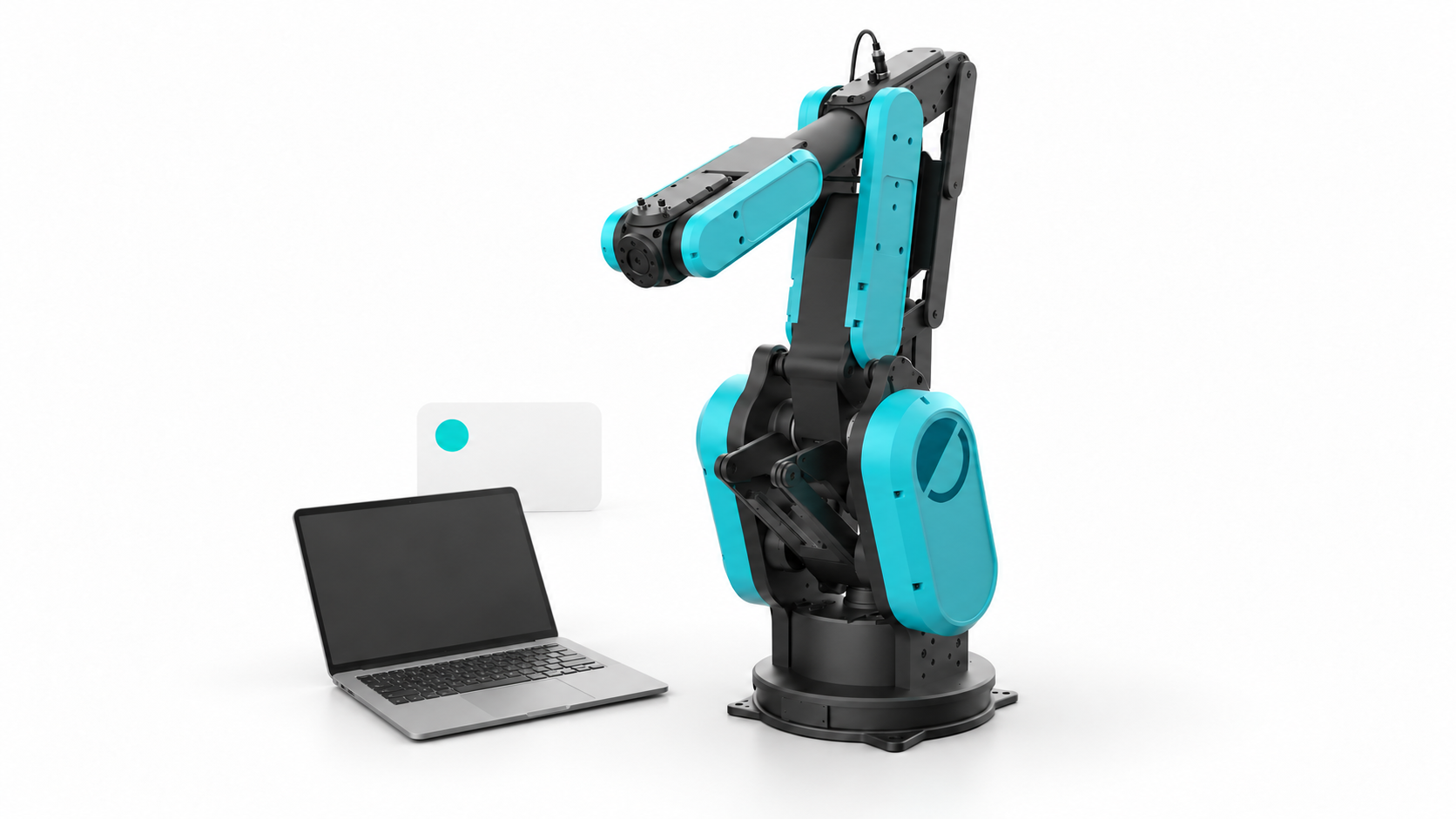
01 · First application
Start with your kit
Prepare the delivered system and choose your first steps with Python or Node.js.
ExploreStart with your Physical AI Readiness Kit and prepared development PC. Choose Python or Node.js for your application, then explore the vision, research and integration workflows that fit your task.
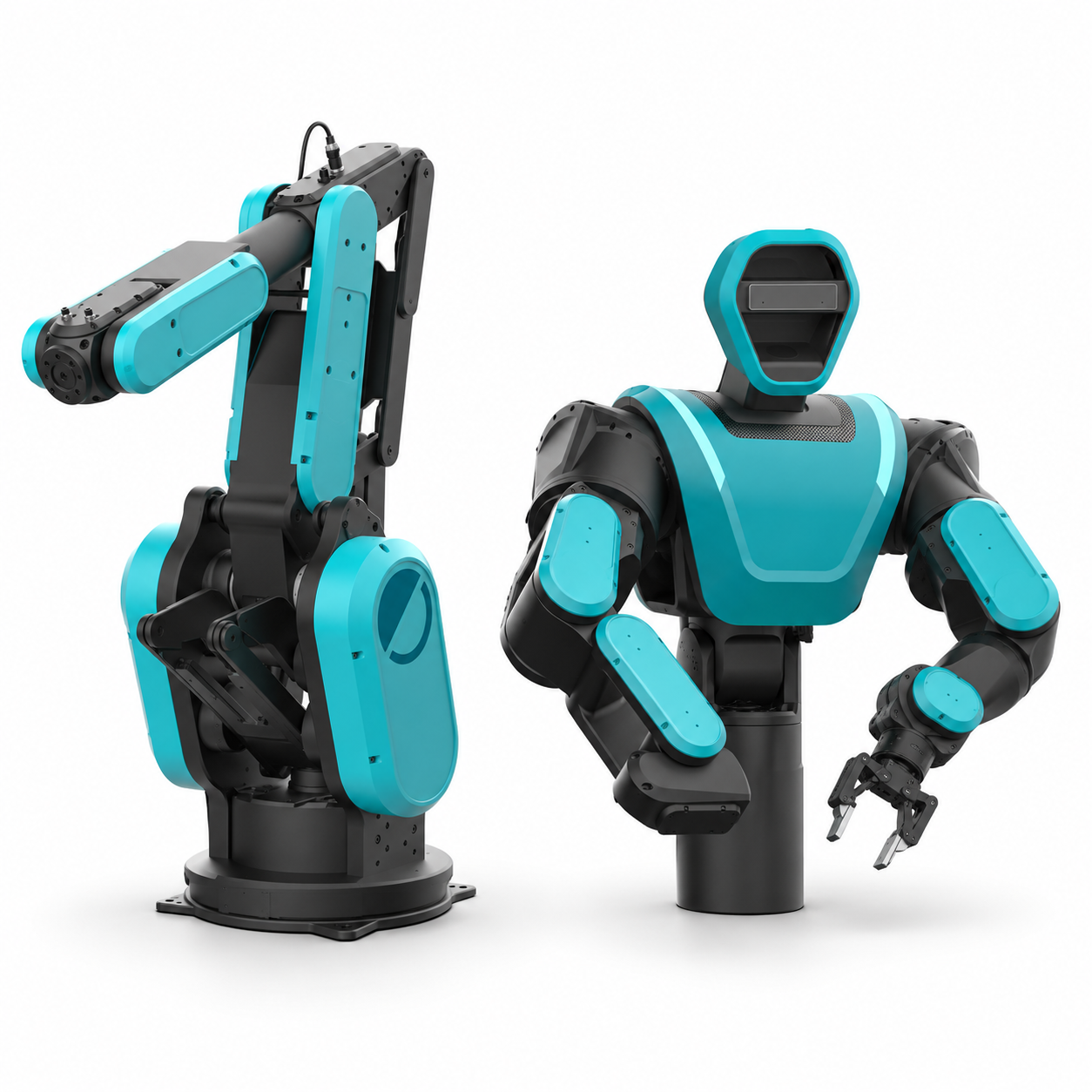
Prepare the delivered system and choose your first steps with Python or Node.js.
Explore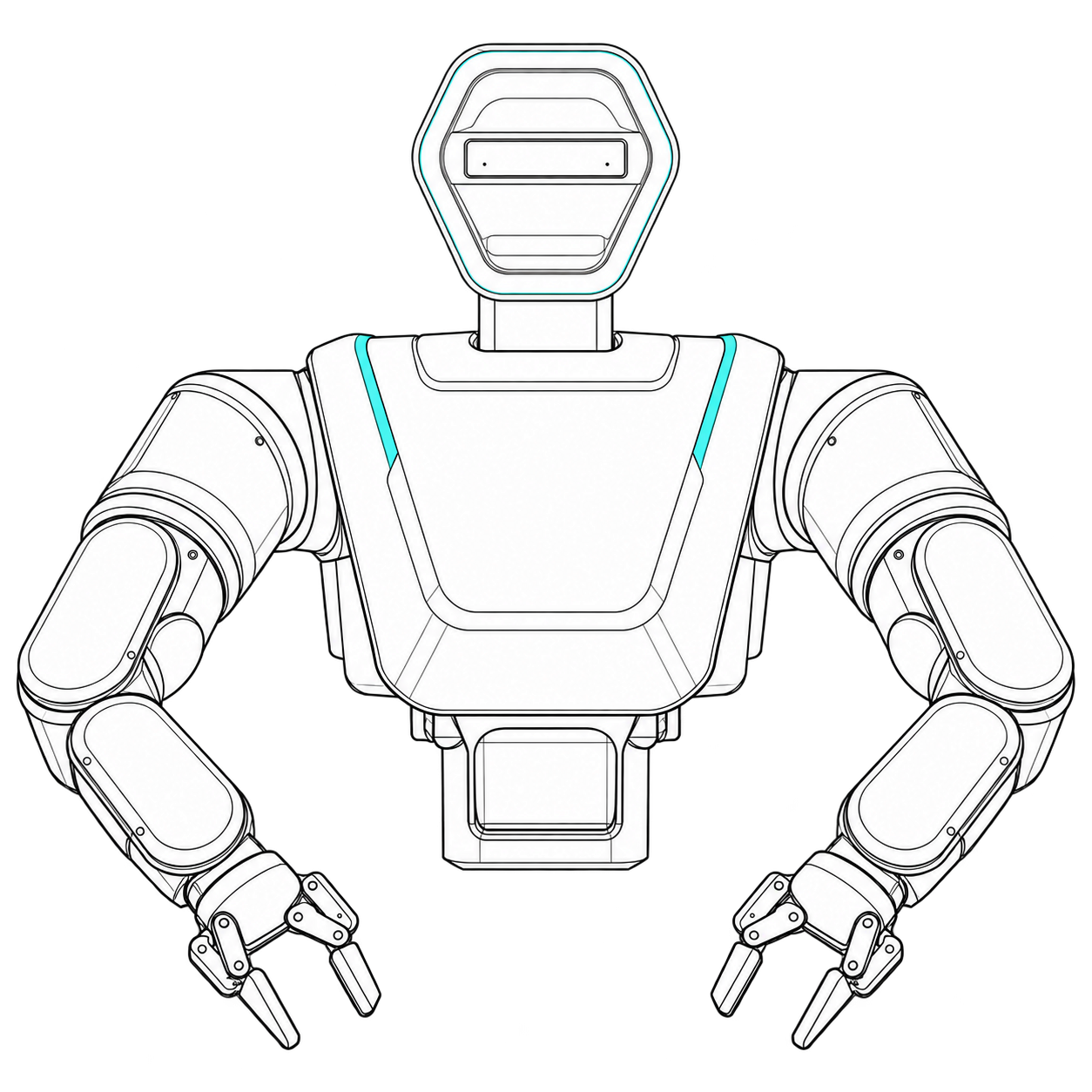
Your software on industrial robotics: combine the platform, grippers and hands, perception, compute and safety.
Explore the HDK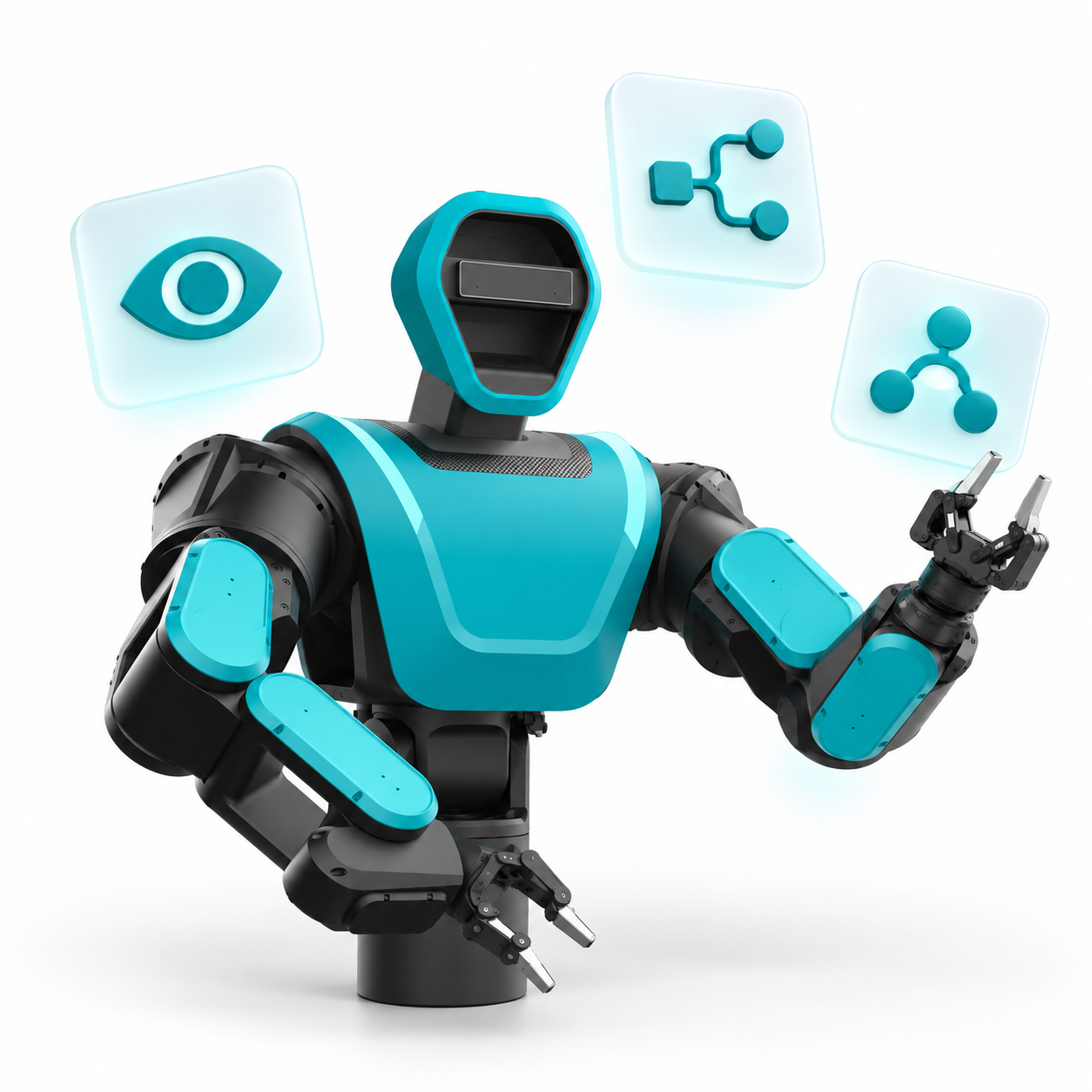
Explore the Physical AI platform and the concepts behind robot applications.
Explore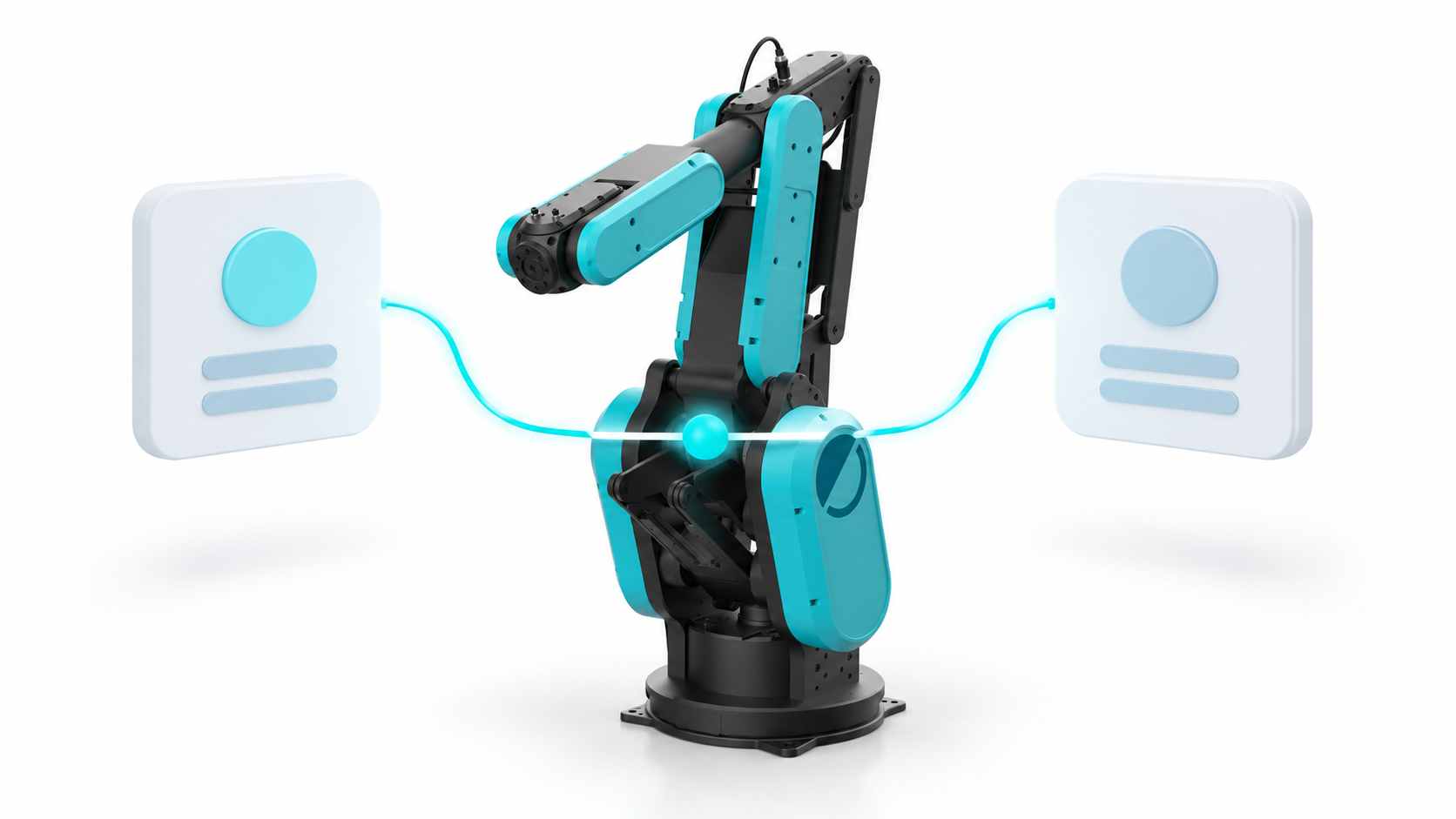
Choose the control path, then Python or Node.js for your application.
Explore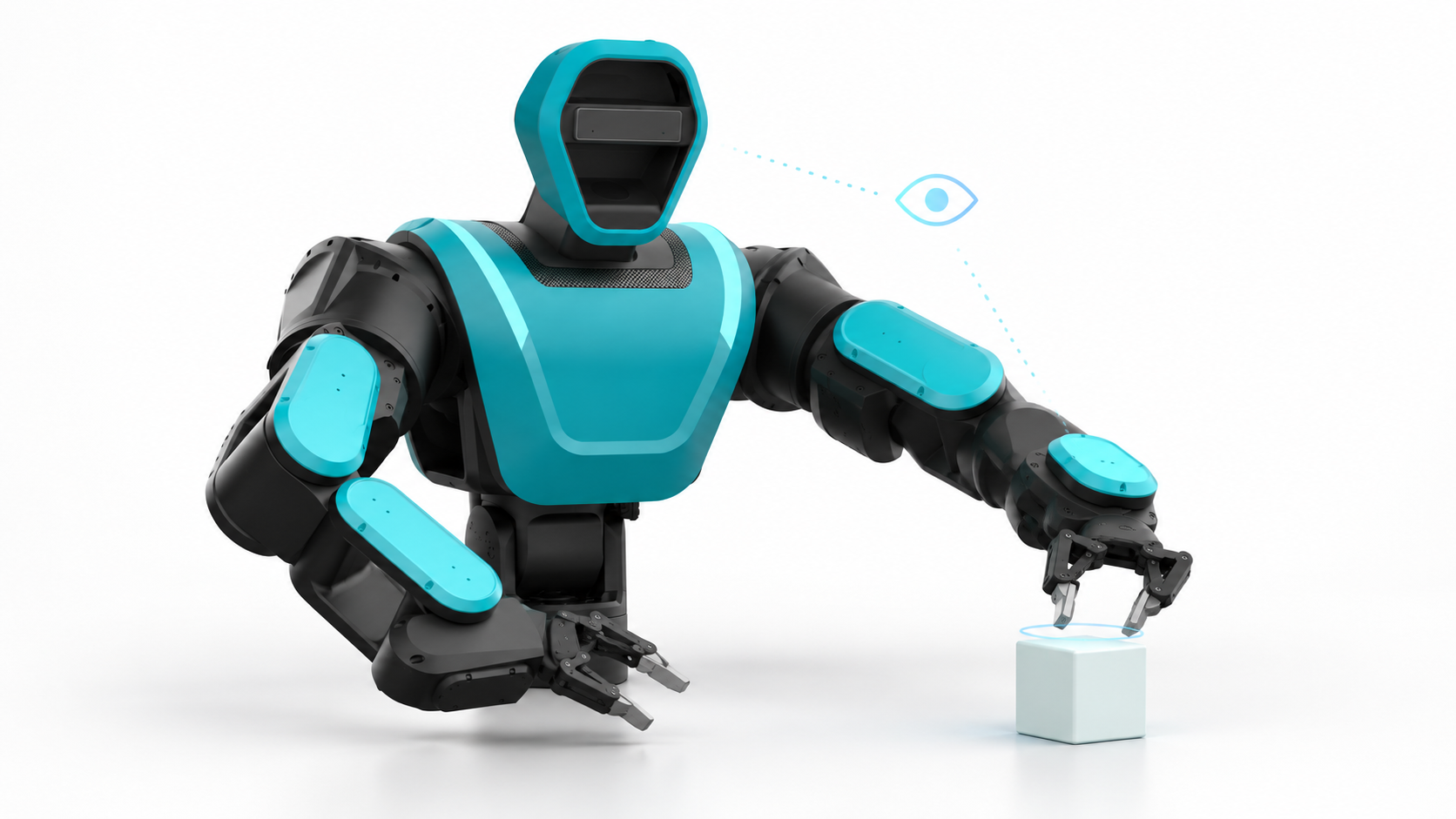
Collect images, inspect local model results and understand policy integration boundaries.
ExploreRun your first application → · Choose an SDK →
The integration catalog connects these topics to robotics, simulation, data and systems tools. Its guides distinguish fixtures, simulator results and offline workflows from physical execution.