
Command: Concatenation path / Connected complex path
Connect several complex paths and define the behaviour at their transitions.
Tab 1: Settings
Basic
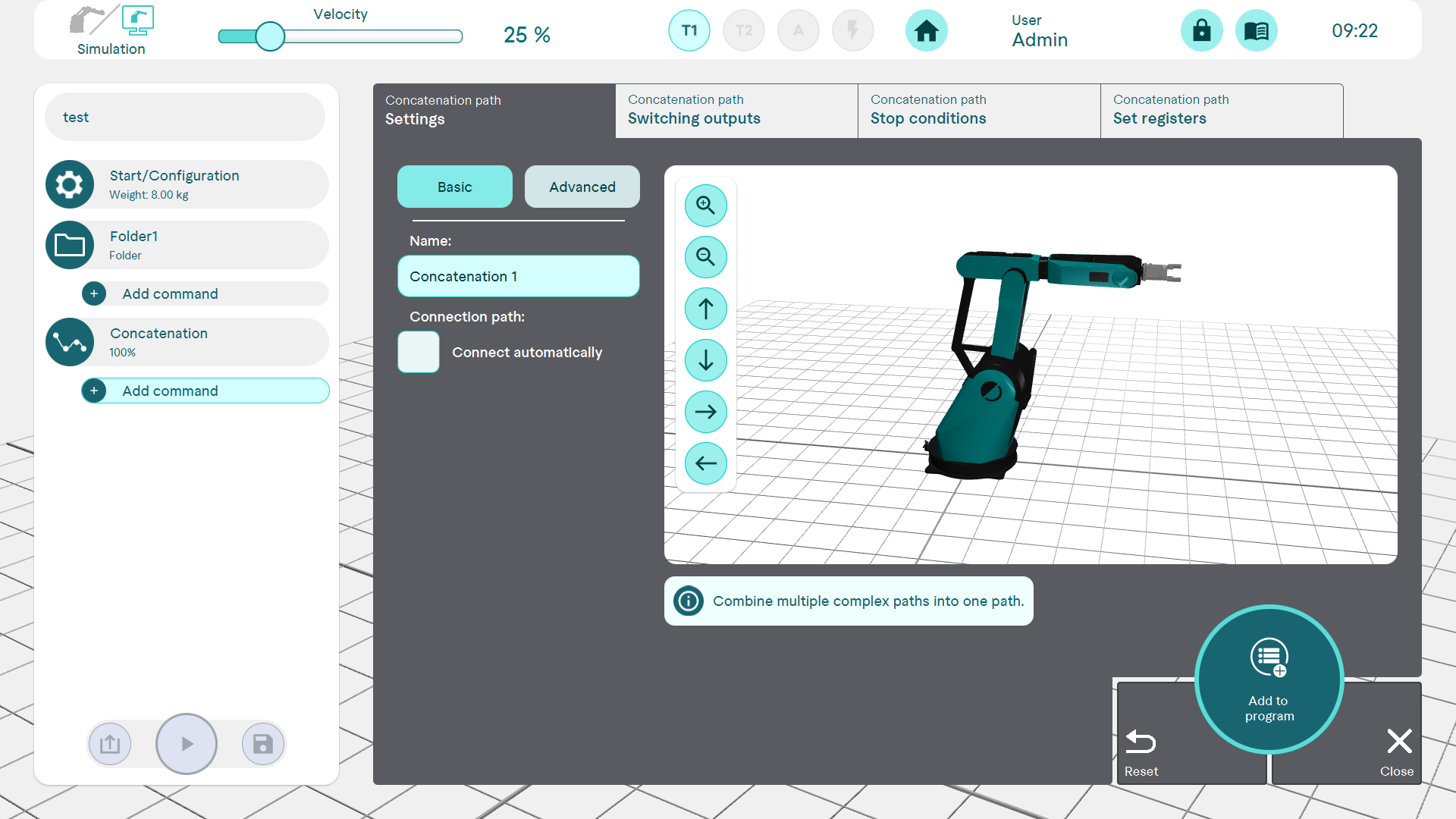
If the "Connect automatically" checkbox is not activated, the path can only be executed if the end point of a sub-path is the same (except for a small tolerance) as the start point of the following sub-path for all sub-paths. If "Connect automatically" is activated, those partial paths for which the end point and subsequent start point do not match are automatically connected by a cubic Hermite spline (if they already match, they are not connected). The automatically generated connection path is uniquely determined by the two partial paths and cannot be manipulated further.
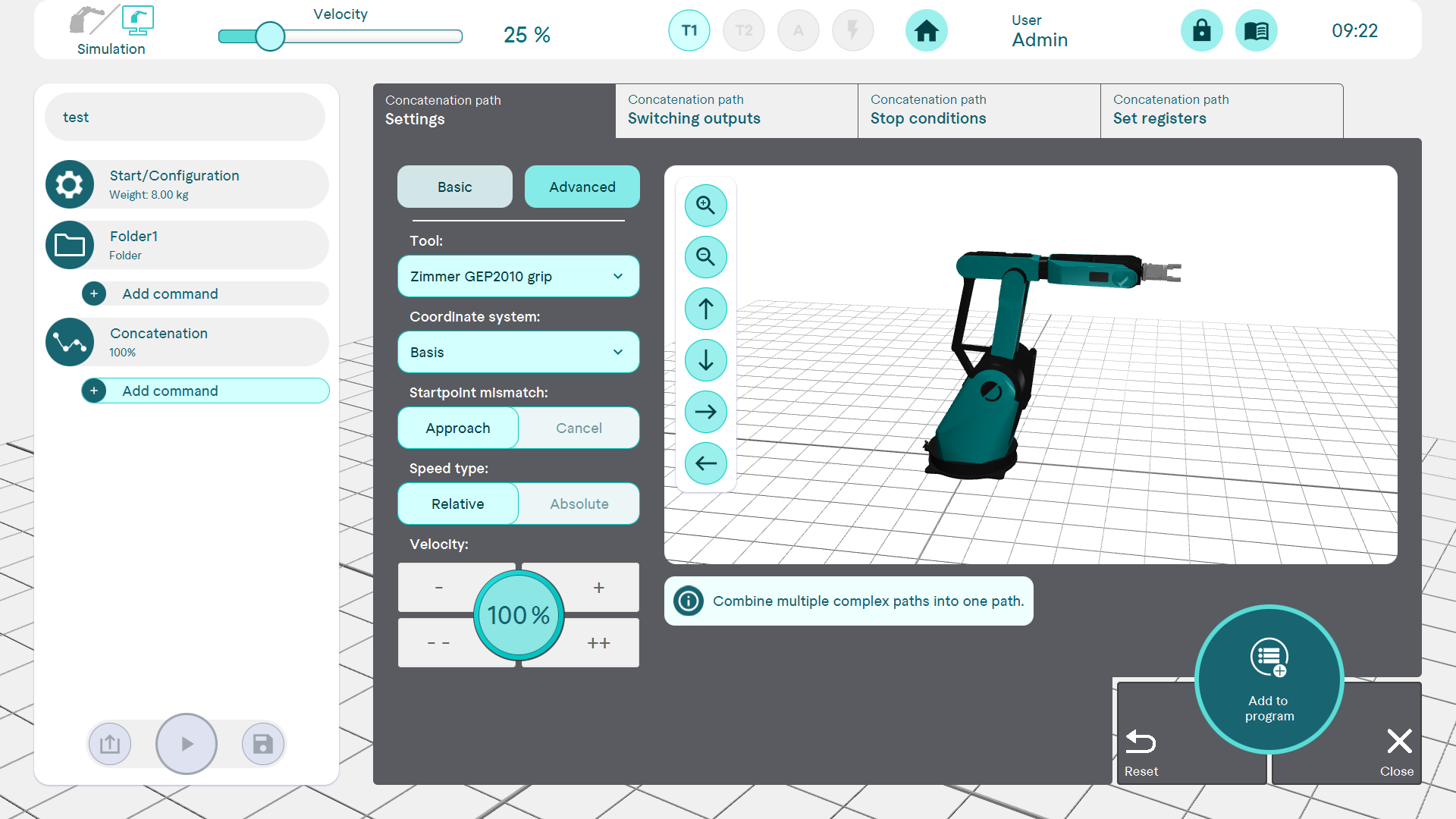
Extended
The tool and the coordinate system can also be set here. The behaviour can also be defined in the event of a different starting point, abort or start. Speed settings can also be made
Tab2-4:
Further options, see Command Waypoint.