
Command: Record data
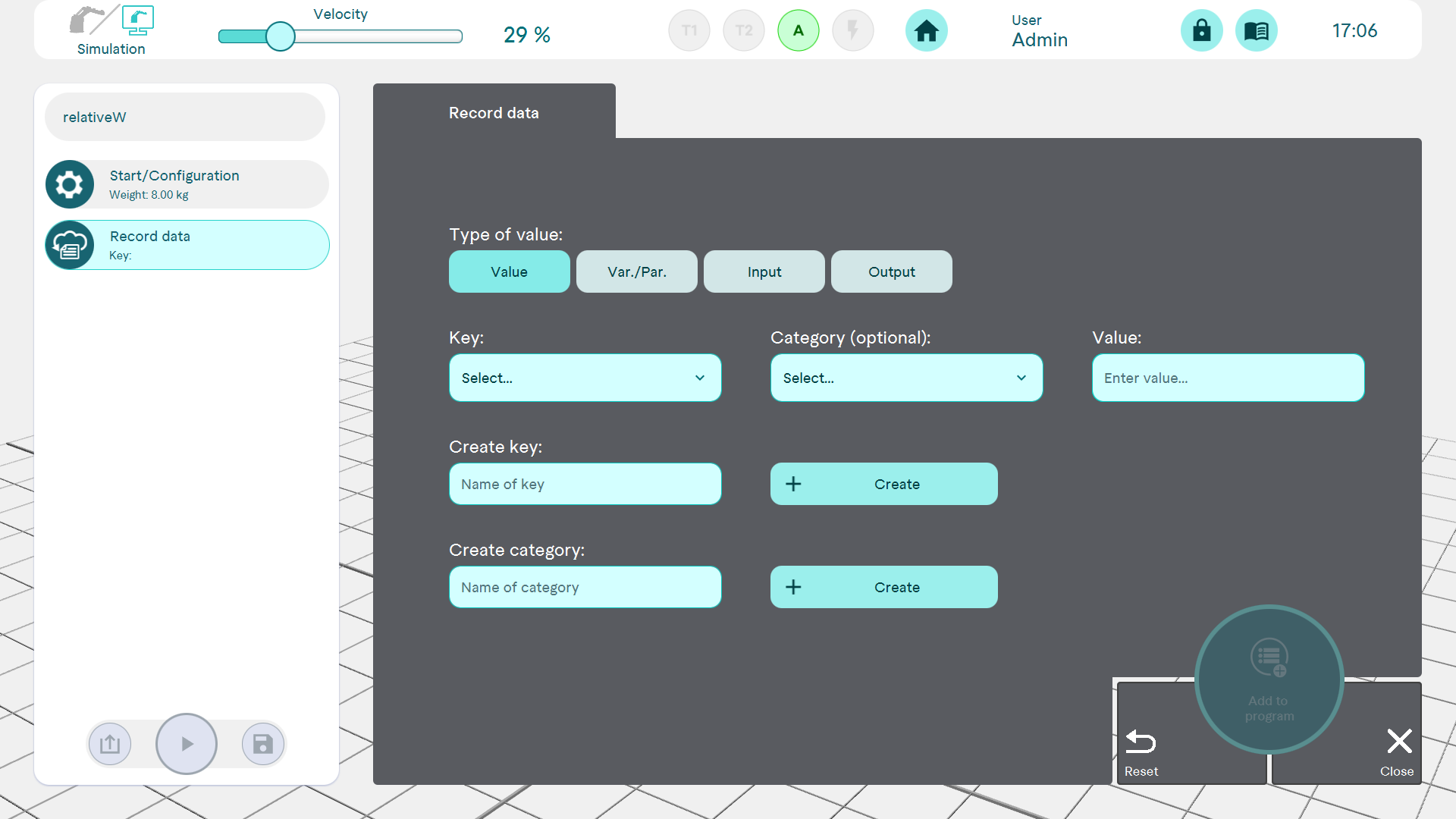
Record process data under a key and transfer it to horstCOSMOS for analysis.
To record a process data entry, a key must first be created. This key can optionally be assigned to a category. As a value for the selected key, either any value can be entered via the keyboard or the value of a variable/parameter, an input or an output can be set.
The recorded data cannot be viewed in horstFX. The data is analysed via horstCOSMOS. In order for the data to be sent to horstCOSMOS, the Transfer data button must be pressed in the Settings > Robot data menu (a connection to horstCOSMOS is required for this). Alternatively, cyclical transmission in the background can be activated.