
Prepared kit
Prepare your system
Identify your delivered configuration, software and connection details, then choose your starting point.
ExploreBegin with the delivered robot and prepared development PC. Check the system documentation, then choose Python or Node.js for your first application.
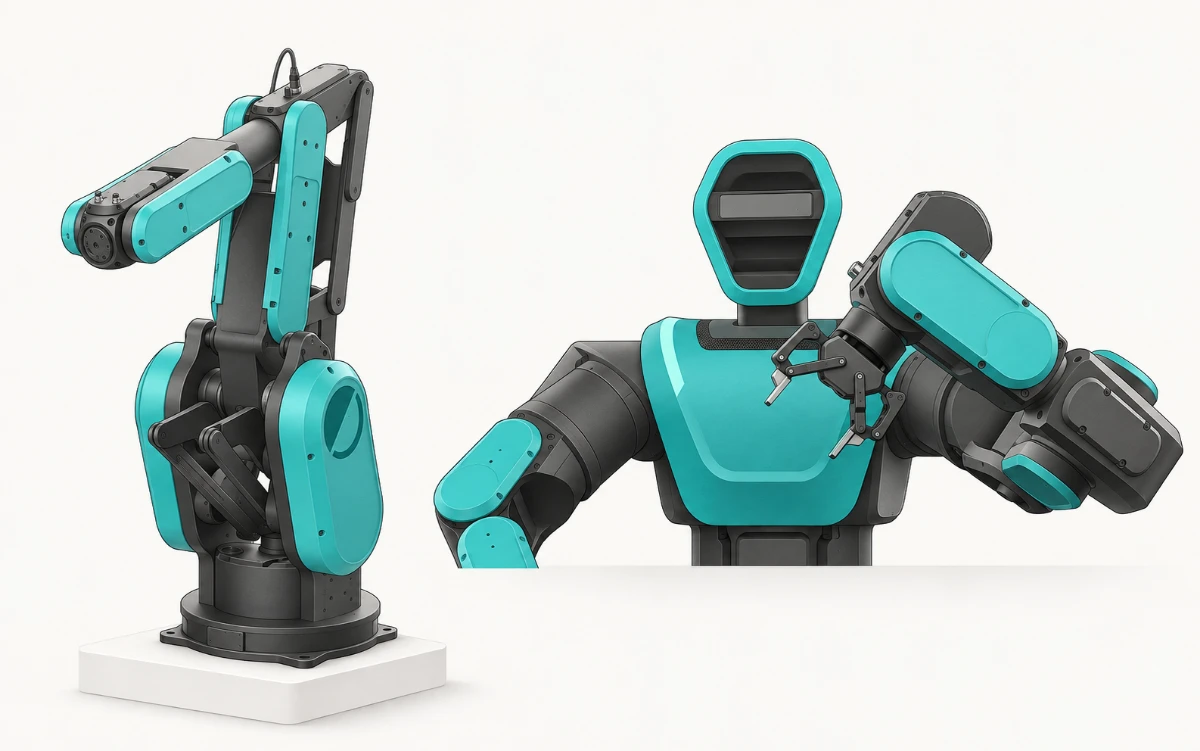
Identify your delivered configuration, software and connection details, then choose your starting point.
ExploreInstallation, a labelled local status exercise and the API reference on one page.
ExploreExplore installation, the client lifecycle and the API reference.
ExploreExplore prepared tools, optional equipment and the first steps with your kit.
ExploreUse the commissioning and connection configuration supplied for your real robot. The additional local SDK exercises explicitly use test data so you can learn the client lifecycle separately.
Continue with Robot APIs & SDKs to choose your control path. Architecture & concepts shows how it fits into your application.
PLEXA One HDK → — the Industrial Humanoid Development Kit: modular platform, grippers and hands, perception, compute, interfaces and safety for your own application.