Move coordinate systems
This article describes how a textual function can be used to change coordinate systems during program execution.
Adding a coordinate system to the program
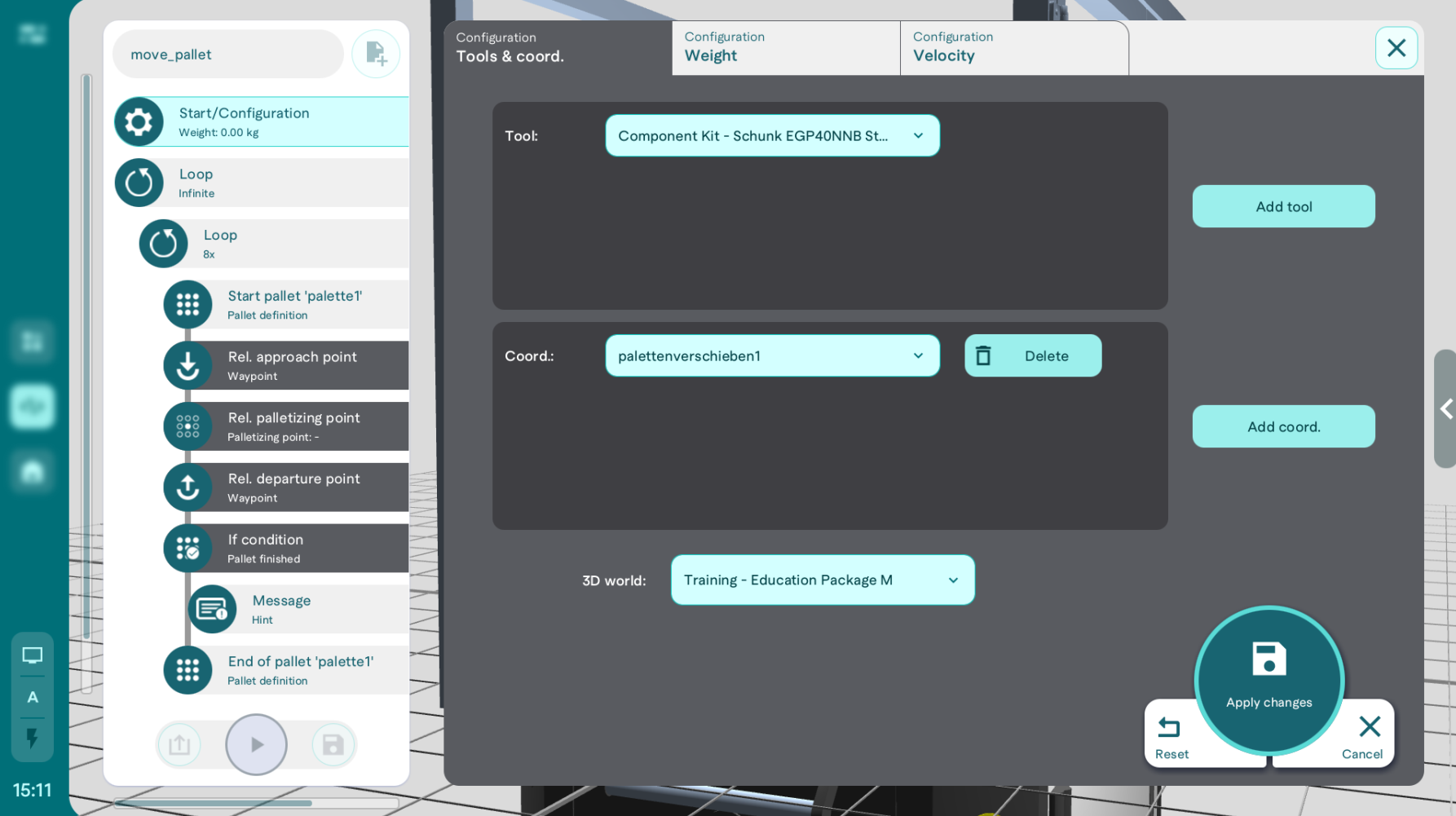
To be able to use a coordinate system in a program, it must be created beforehand and added to the program in the "Start/Configuration" action.
Create the function
To edit a coordinate system within a program, a textual function must be created. First, the current values of the coordinate system are written to a variable with the internal function getCoordSystemOffset(). The changed values are then applied using setCoordSystemOffset(). In the example below, the Z coordinate is increased by 0.05 meters.
var offset = getCoordSystemOffset("movepallet");


setCoordSystemOffset("movepallet", offset[0], offset[1], offset[2]+ 0.05, offset[3], offset[4], offset[5], offset[6]);
Call function in program
The previously created textual function can be called with the "Function call" action. The use cases are very diverse.
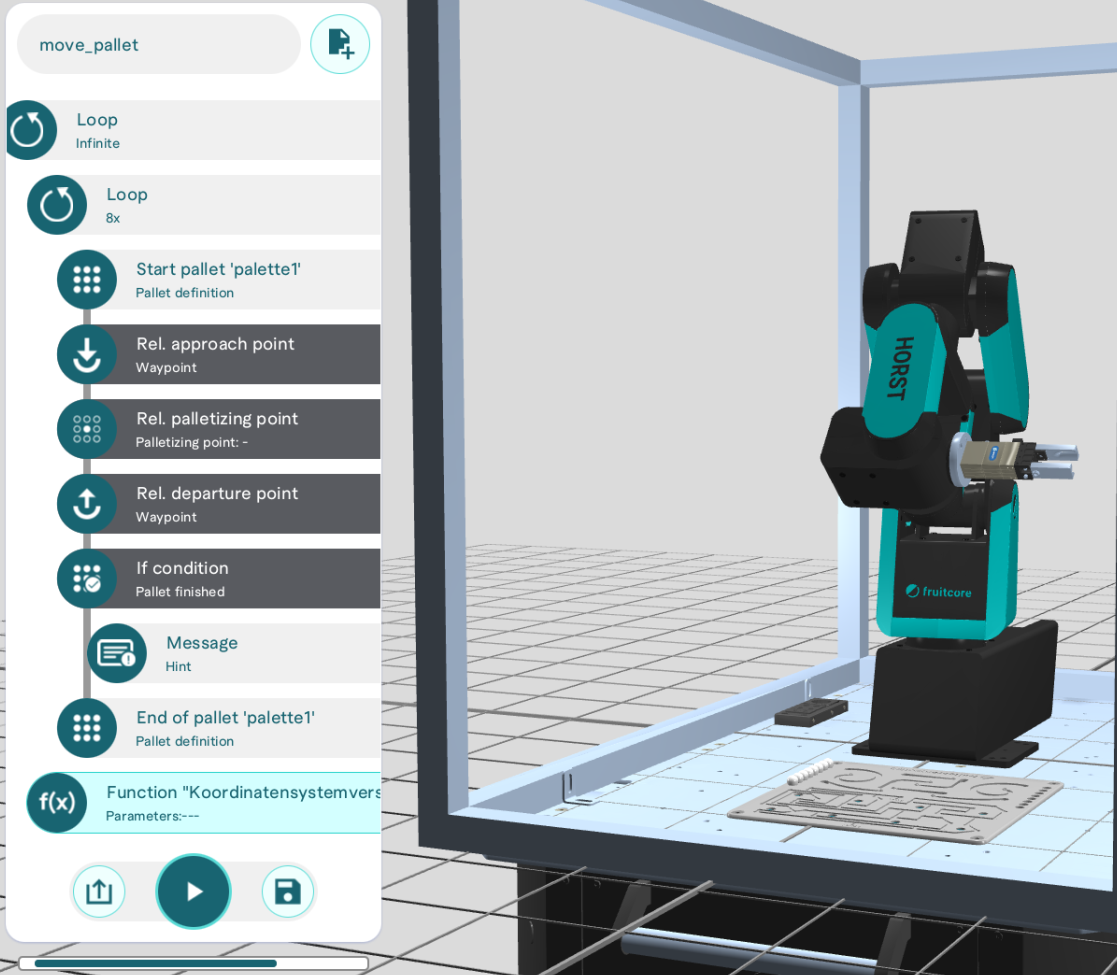
Stacking / moving pallets
A common application is stacking or moving pallets. To do this, the function above is called up after each pallet run (e.g. 8 repetitions for a 2x4 pallet) and the coordinate system is shifted by 5 centimetres in the positive Z direction. In this way, a taught-in pallet can be stacked easily, which reduces the teaching effort;
Absolute accuracy
Important:
If a coordinate system is changed using an offset, this is an adjustment for which a high level of absolute accuracy is required. Robots generally do not have good absolute accuracy This means that there may be deviations between the set value and the real value;
For this reason, it is helpful to determine the offset using the robot's current pose.