
Robot APIs
Two interaction patterns serve different application needs: send individual operations, or supply an ongoing joint path.
Your application. Your control path.
Send a complete operation or supply the next part of a motion. Choose how your application works with the robot.
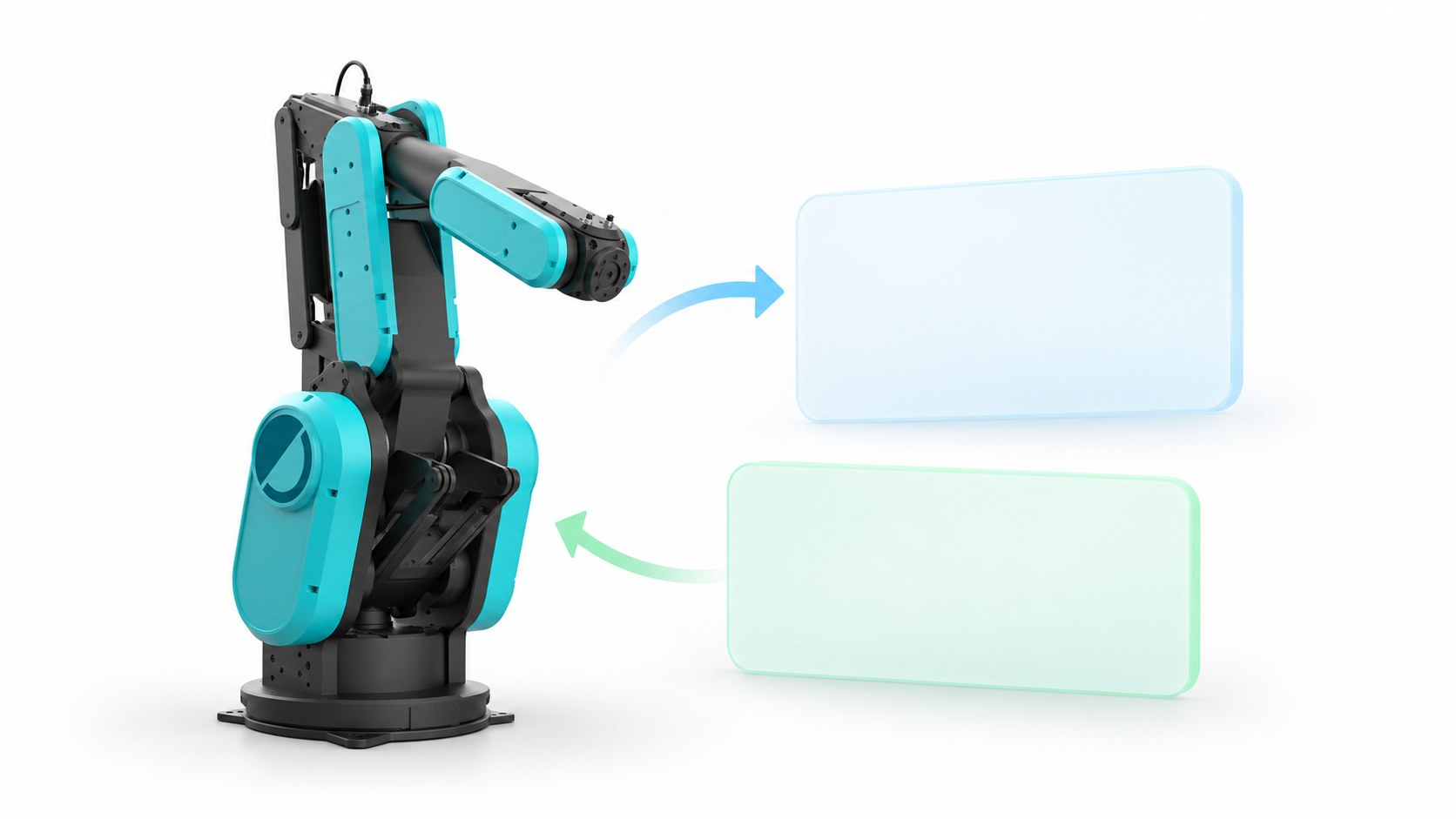
 01 · CONTROL API
Request an operation
Runtime handles planning and execution. Your application follows the result.
Explore the Control API 02 · REAL-TIME STREAMING
Supply a motion path
Your controller supplies buffered joint targets and follows the path progress.
Streaming previewTwo paths. One robot platform.
Architecture previewAdmission and execution ownership are coordinated by the deployment before combining Runtime commands and direct streaming.
From admission to completion
Integration previewThe admission arrows describe the integration workflow. Streaming uses the buffered RT client protocol; a dedicated admission adapter is part of the system integration.
PreviewMotion returns a MotionPlan without execution. A preview is a separate operation.
This browser model sends no robot commands. Execution ownership and admission must be coordinated before using a direct RT client.
Start with request-based operations
Choose Python for gRPC or Node.js for the binary Protobuf WebSocket gateway. The Control API page includes HTTP request and response schemas.
Begin with a status read. Planning-only preview and execution are separate operations; a preview does not move the robot. Use the Runtime connection configuration supplied for your system.