
Robot settings
Controller values
You can choose between DEFAULT, CONSERVATIVE, AGGRESSIVE and CUSTOMIZED. The controller values determine how quickly the robot is adjusted.
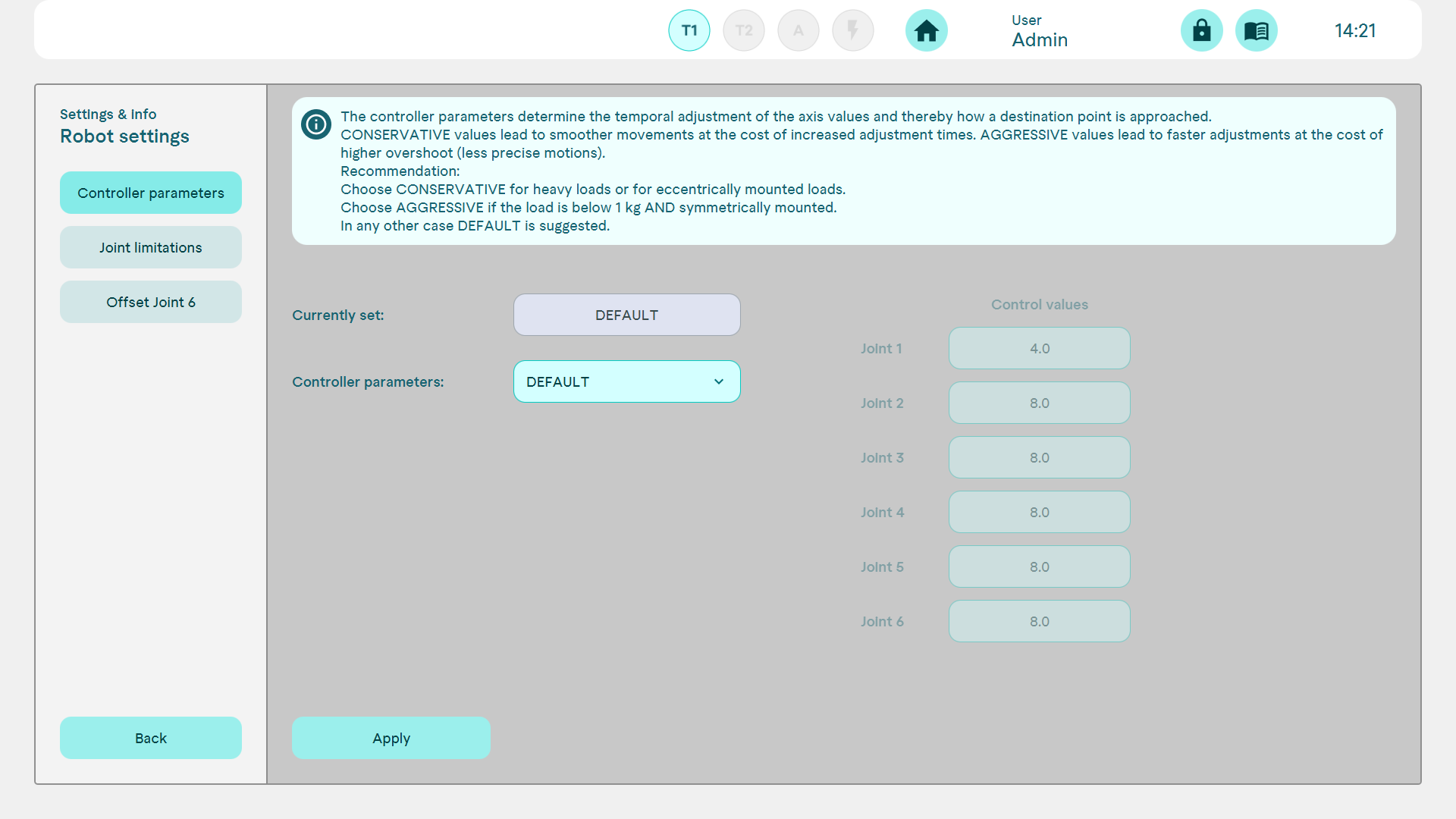
The CONSERVATIVE setting is recommended for high and/or eccentrically arranged loads; "AGGRESSIVE" can be selected for low (<15% of the maximum load) and symmetrical loads.
DEFAULT should be selected for all other cases.
Axis restrictions
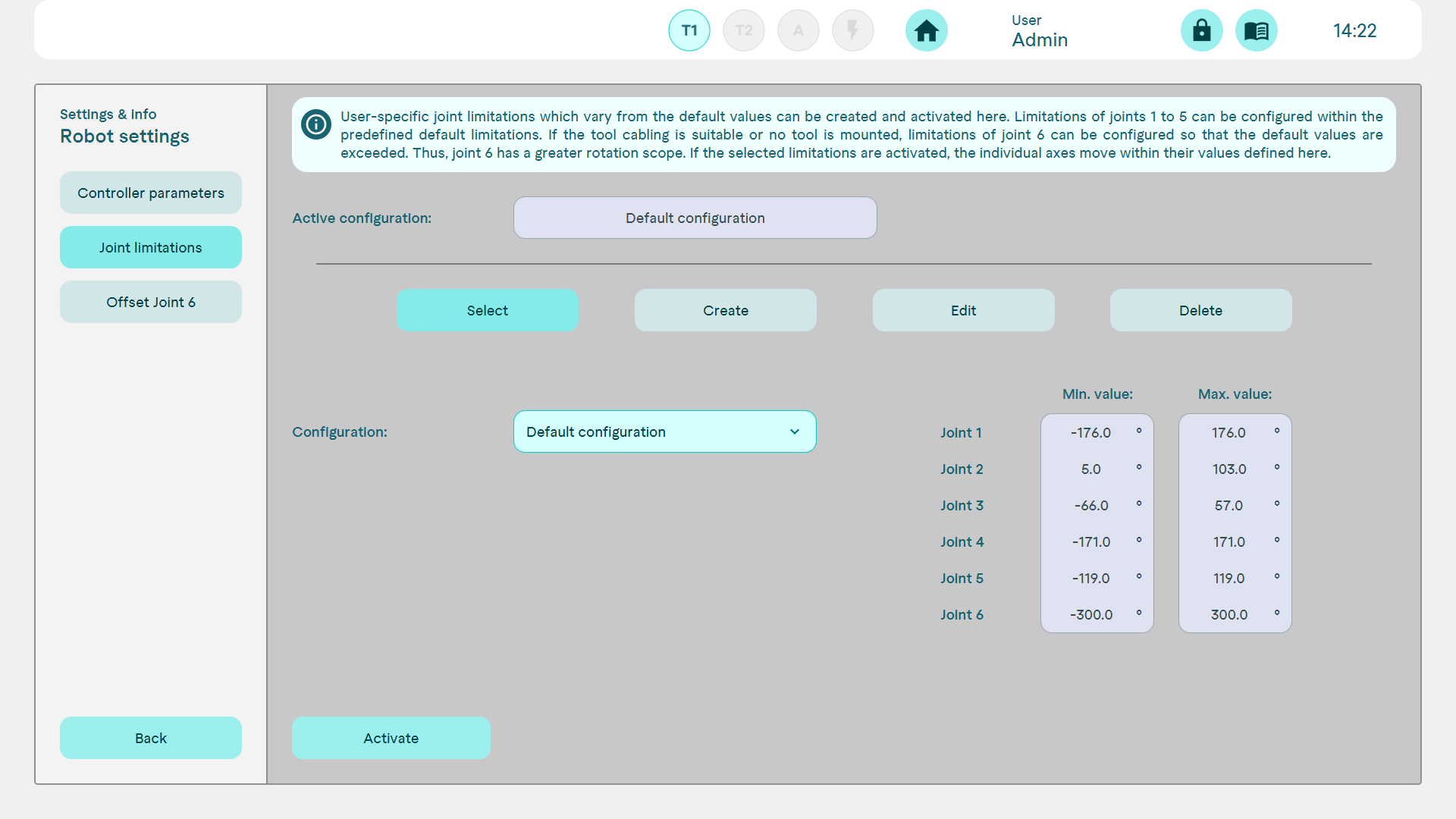
The movement range of individual axes can be limited here and saved as a configuration. It may be particularly useful to restrict axes 1, 2 and 3 in order to avoid collisions with the safety guard or work surface, for example. It may also be useful to limit axis 6 using cables or lines from the end effector.
Axis 6-Offset
For technical reasons, it can happen that axis 6 is correctly aligned after initialisation, but displays a value outside its valid range. The value deviates by a multiple of 360°.
The source does not include an illustration for this setting.