Command: Message
Display hints, information, warnings and error messages during program execution.
from horstFX version 2021.04
The Message command is used to display a message on the control panel while the program is running. This can alert the user to certain situations or display additional information.
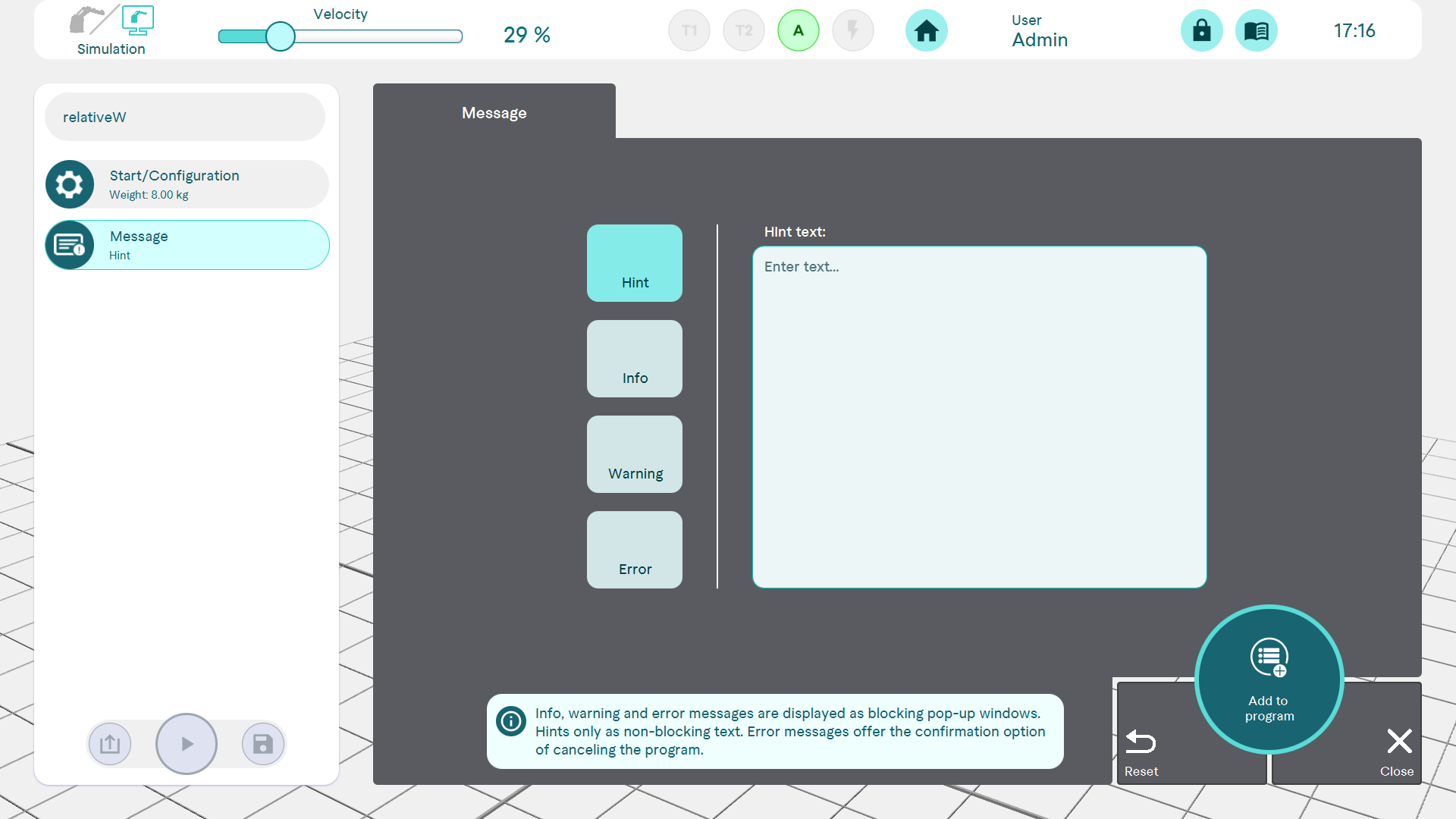
There are four different message types:
- Note message: Note text is displayed without pausing the program or the option to confirm/acknowledge something
- Info: Info text is displayed in a window that must be acknowledged before the program continues to run
- Warning: Warning is displayed in a window that must be acknowledged before the program continues to run
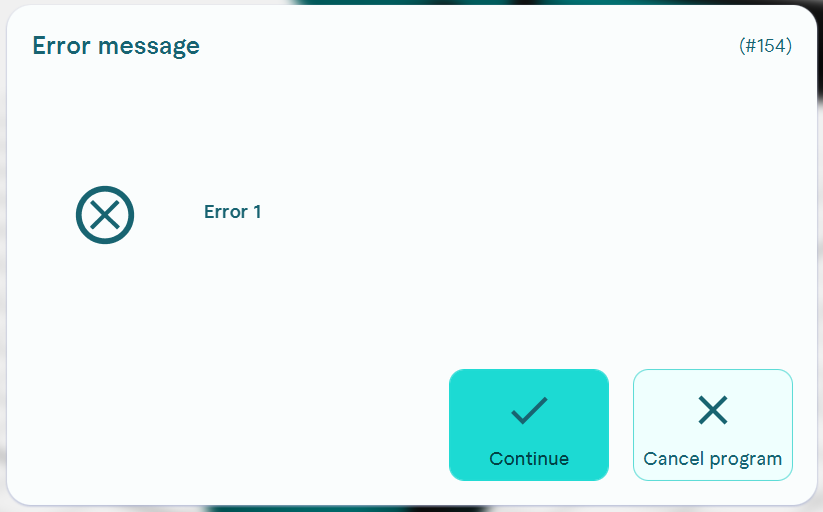
- Error message: Error message is displayed in a window that must be acknowledged before the program can continue, or the program can be aborted