
Isaac Sim integration
Inspect a shared robot and component library in NVIDIA Isaac Sim, then open scripted local portfolio and composed-scene demonstrations. The implemented tooling imports assets, checks USD composition and launches simulator views. The local Windows integration uses shared USD assets; Runtime control is a separate execution path.
Choose a tutorial
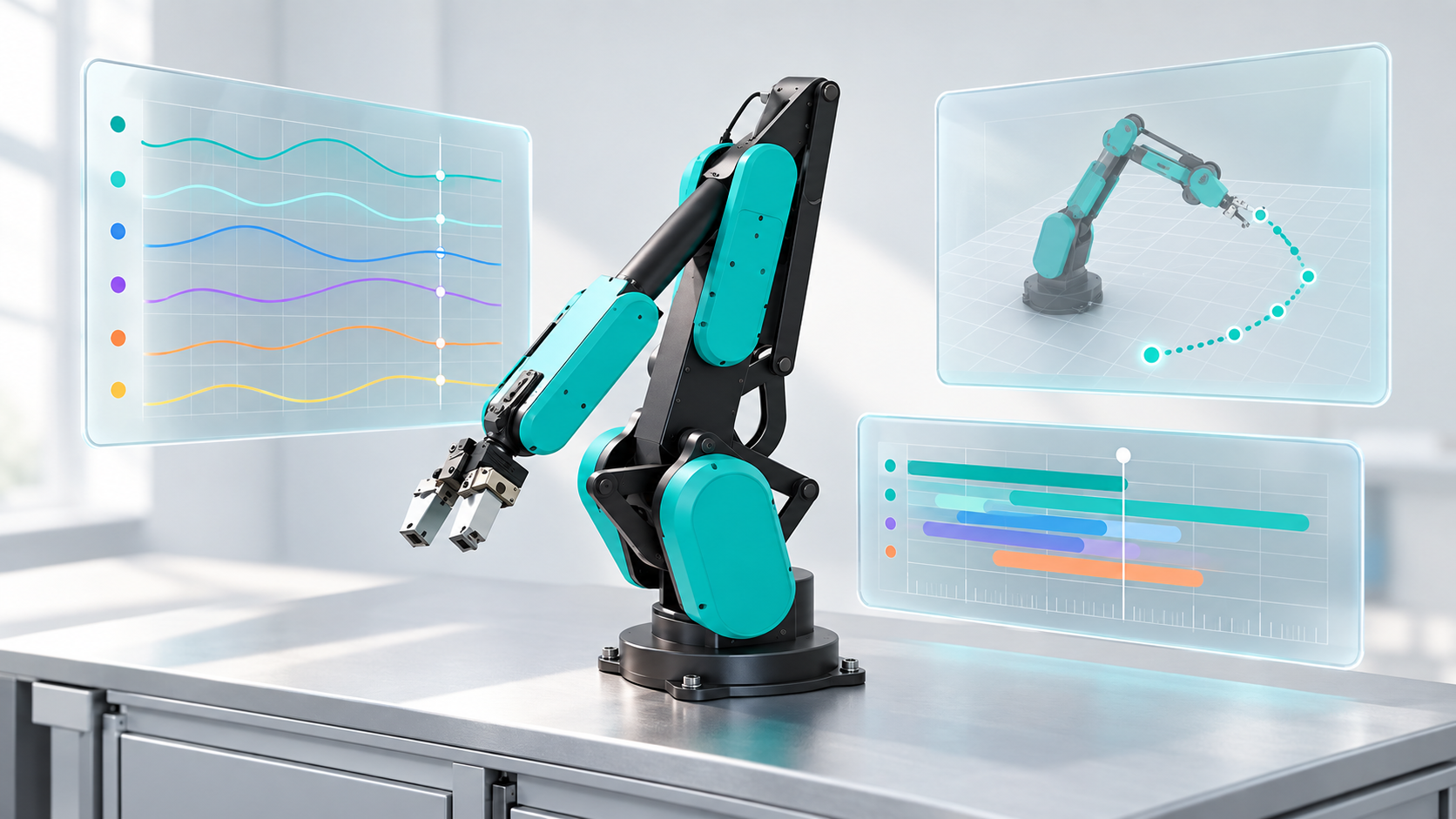
| Tutorial | You will learn | Result |
|---|---|---|
| 1. Check the environment and assets · Coming soon | Match the pinned simulator and verify dependencies | A checked local setup |
| 2. Open the portfolio and scenes · Coming soon | Launch a bounded GUI demo and select a view | Scripted visual inspection |
Asset ownership
Single-asset derivatives live in models/derived/isaac-sim/library/v1/; composed scenes live in worlds/internal/isaac-sim/library/v1/. Each library has a library.json with entrypoints. The runner consumes these files rather than maintaining another copy in the integration repository.
The checked library includes 13 robot variants and 241 component configurations. Robot GLB materials provide the color source; STL millimetres are converted to USD metres. Gallery previews can be scaled to grid cells and retain original dimensions and display scale in custom metadata.
Current scope and limits
| Available tooling | What it does not establish |
|---|---|
| Import and USD validation | Mechanically calibrated robot geometry |
| Portfolio, component galleries, composed scenes | Validated manipulation or dynamic simulation |
| Scripted joint animation and AMR presentation | Navigation or a physical robot controller |
| Separate MobilityGen recording/replay prototype | An implemented Runtime, Isaac Lab or policy-execution adapter |
The environment is pinned to Isaac Sim 6.1.0-rc.26+release.49347.2d230af4.gl and bundled Python 3.12.13. WSL/native Linux compatibility is not established by this milestone. Model and component derivatives require redistribution review before external publication; public diagrams explain the workflow without publishing those assets.
Source, manifest and recorded evidence: PLEXA Isaac extension.
The read-only model audit · Coming soon checks all thirteen canonical URDF/USD models and reports current provenance and authored-physics gaps explicitly. A separate HORST600 G2 simulation estimate passes a strict authored-property gate and a bounded native gravity smoke; individual mass properties remain estimates.
Shared model library
Choose a shared catalog ID for the local portfolio view. --prepare-only checks inputs before native launch. Generic estimated profiles remain separate from canonical assets and existing tasks.
Catalog command, model mapping and estimated profiles
The separate tools/catalog_portfolio.py workflow selects all 19 shared catalog records, including HORST1000 G2, HORST1500 S1, branched dual-arm systems, Panda slides and the 43-coordinate G1. Existing portfolio/task profiles retain their original identities. HORST1500's G2 product mapping remains unconfirmed.
Export the selected estimated-offline-v1 model with the pinned Models exporter, then run from the workspace root:
C:/isaacsim/python.bat integrations/isaac/tools/catalog_portfolio.py --model horst-1000-g2-s1 --assets-root .generated/model-library/estimated-offline-v1 --output .tmp/isaac-model-check--model all checks the complete library. --prepare-only verifies source, catalog, generator and output hashes without starting Isaac. Native readback maps joint names explicitly and retains fixed toolframes and every branch. Import/FK and the three bounded 20-step zero/impulse/replay trials are reported separately. Dynamics use a fixed base, zero gravity and disabled contacts; parameters are estimates, with explicit ±1 Nm/±1 N effort limits. The AMR remains visual-only. Availability in this library does not advertise Runtime control, policy compatibility, calibrated physical parameters or hardware acceptance.