
Tutorial: plan locally with MoveIt 2
Goal: inspect a local G2 trajectory in RViz without a Runtime connection. Use the pinned offline preparation and reviewed Model assets. This is an experimental planning configuration, not general hardware MoveIt support.
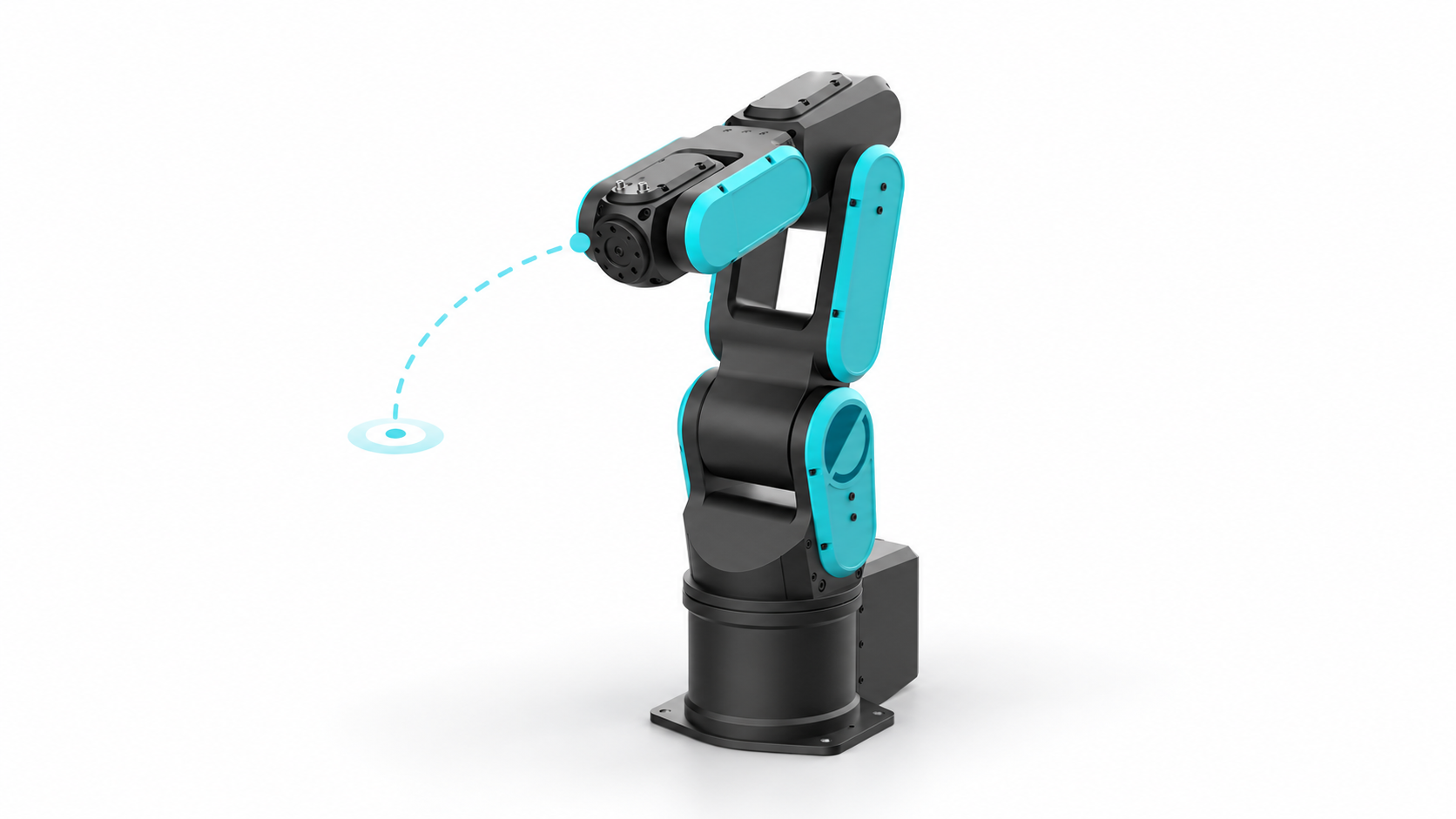
Local software view
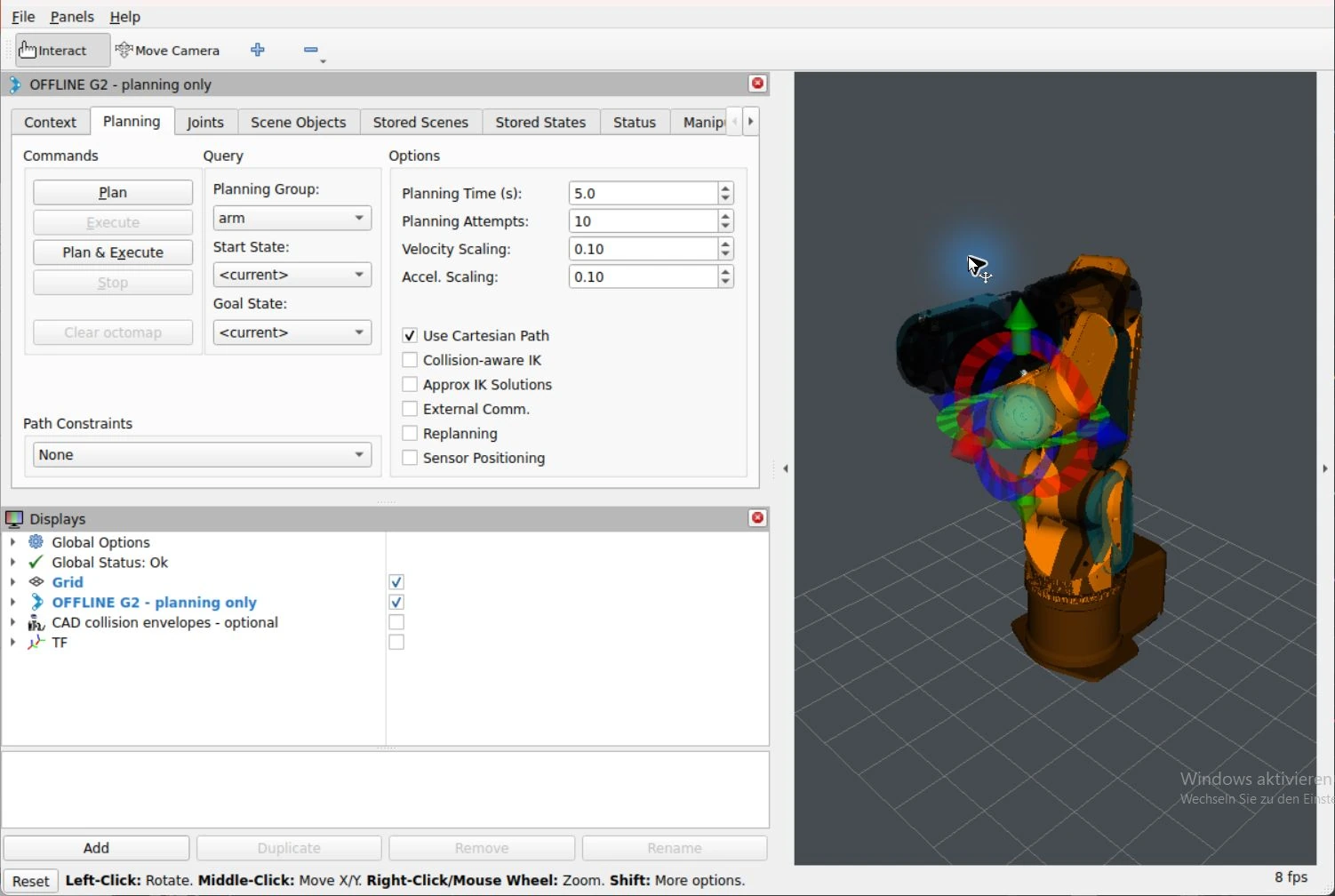
Compare the integration windows and appearance variants.
1. Check and launch
From the workspace root on Windows:
pwsh -File integrations/ros/env/launch-horst-rviz.ps1 -Mode MoveIt -CheckOnly
pwsh -File integrations/ros/env/launch-horst-rviz.ps1 -Mode MoveIt -Pose zero
The launch uses ROS domain 78 and synthetic local joint state. -Pose bent_a or -Pose bent_b opens either of two checked bent configurations. It contains no SDK client or connection to Robot Runtime.
2. Create a plan
- In RViz MotionPlanning, select group arm.
- Set the start to <current> and the goal to turned.
- Click Plan and inspect the displayed samples.
- Check the collision and TF overlays if a link or frame seems displaced.
The KDL chain ends at link_6. OMPL uses RRTConnect and the separate CAD-derived collision envelopes. Adjacent links are exempted from self-collision; the scene has no validated tool, obstacles or cell. Timing uses provisional 0.5 rad/s and 0.5 rad/s² caps, not accepted physical trajectory limits.
Execution is disabled
allow_trajectory_execution is false and no controllers are configured. The standard ExecuteTrajectory action remains present for RViz initialization, but its disabled-execution guard aborts requests. A displayed plan is never an execution instruction. Use Plan to inspect the trajectory.
3. Verify the local planner
In WSL, after sourcing Jazzy and the overlay, from the workspace root:
ROS_DOMAIN_ID=78 "$HOME/.local/share/plexa/ros-venv/bin/python" \
  integrations/ros/env/check-g2-planning.py --report integrations/ros/log/offline-acceptance.json
The check validates zero and two bent poses, rejects a fixed self-collision counterexample, then plans zero to J1=15° and checks every returned state. It publishes only a display trajectory.
Historical planning result
A recorded run returned 38 valid samples. Sample count depends on the generated plan and is not a fixed benchmark value.
4. Stop and diagnose
Use Ctrl+C in the launcher terminal. Avoid saving an RViz configuration just to inspect a path. A MoveIt 2.12.4 CallbackGroup destructor crash was observed on shutdown; clean shutdown remains an upstream environment issue. Keep the ExecuteTrajectory capability in this configuration: removing it caused RViz startup waits and marker backlog crashes in the verified WSL environment.
Continue with Gazebo visual/status preparation or the full configuration and guard checks.