
Tutorial: inspect read-only state in RViz
Goal: display HORST600 G2 simulator joints with the checked visual model. This is the live read-only adapter, separate from the isolated offline planners. Complete the overlay setup first.
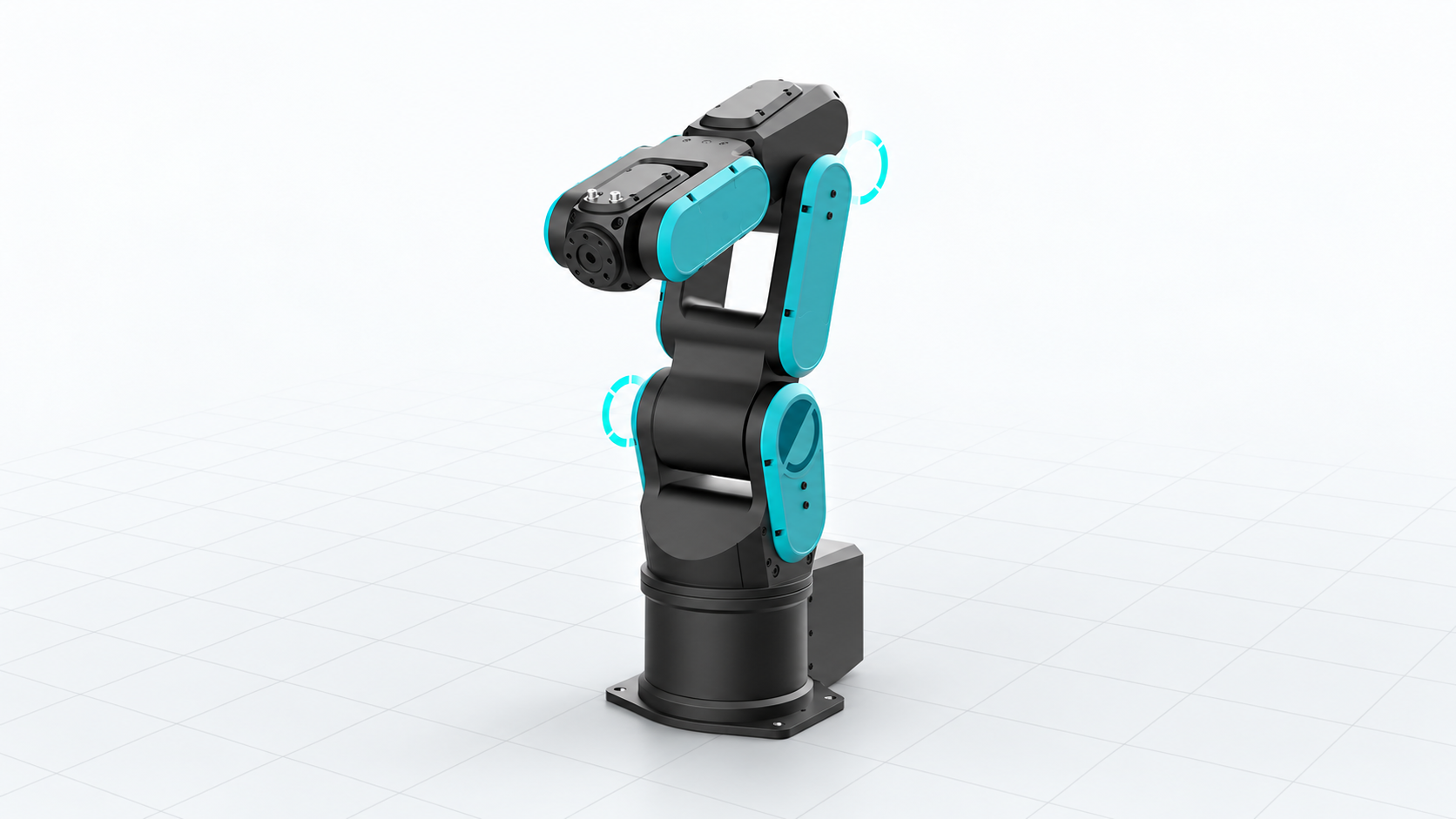
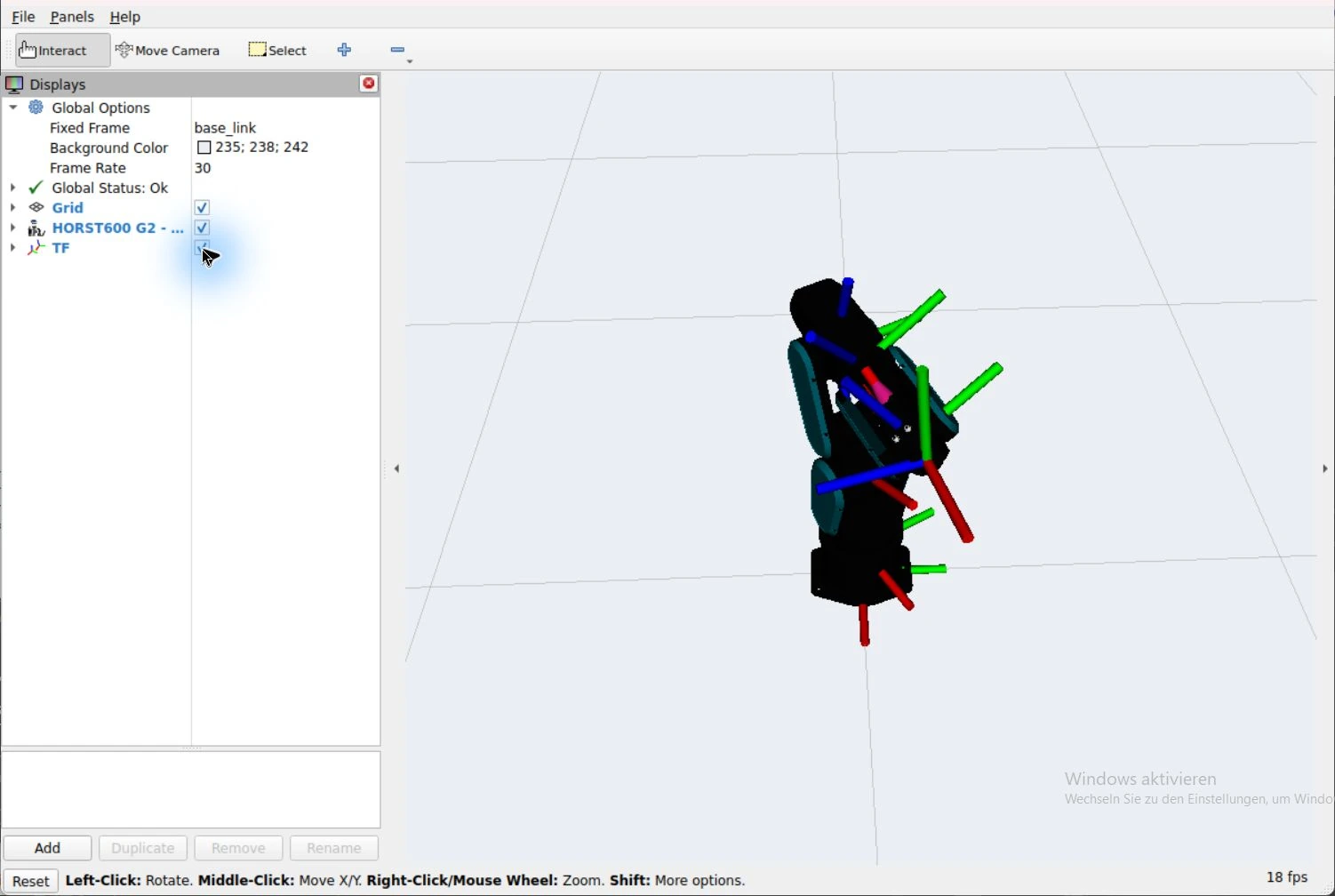
Local software view
Compare the integration windows and appearance variants.
This capture uses synthetic offline state for visual orientation; follow the read-only adapter steps below for Runtime data.
1. Check the Windows prerequisites
From the workspace root, with the local simulator supervisor and Robot Runtime already active:
pwsh -File integrations/ros/env/launch-horst-rviz.ps1 -CheckOnlyThe launcher checks WSL Ubuntu-24.04, the persistent Python environment, ROS overlay, simulator, model hashes and the authenticated VcXsrv configuration. Materialize the Model repository's Git LFS files before launching.
2. Open RViz
pwsh -File integrations/ros/env/launch-horst-rviz.ps1It reuses or starts authenticated VcXsrv on display :1. Keep its terminal open. The default ROS domain is 74. The seven-link G2 visual model should appear against a grid; the fixed frame is base_link. Enable collision bodies or TF axes from the Displays panel when checking the model.
The display follows read simulator joints. No synthetic pose or Runtime write is sent in this mode.
Material rendering in RViz
Materials approximate source PBR shading using Phong. Normal-map images remain metadata and are not actively shaded by RViz.
3. Inspect the stream
In WSL, source Jazzy and the overlay and use the same domain:
source /opt/ros/jazzy/setup.bash
source integrations/ros/install/setup.bash
export ROS_DOMAIN_ID=74
ros2 topic echo /joint_states --once
ros2 topic echo /diagnostics --once
Expected result: names joint_1…joint_6, positions in radians and visible stream diagnostics. TF derives from the URDF. Header time is local receipt time, not sensor measurement time. Stale and invalid samples are discarded.
Troubleshooting and shutdown
| Symptom | Action |
|---|---|
| No window / OpenGL failure | Run -CheckOnly; inspect VcXsrv path, display and existing Xauthority |
| Authentication conflict | Use the reviewed authenticated server; do not disable access control |
| Mesh/hash failure | Pull the correct LFS assets and review the model revision |
| No joints or old state | Check /diagnostics, the simulator and ROS domain |
| Wrong fixed frame | Select base_link; link_6 is not a calibrated TCP |
Use Ctrl+C in the launcher terminal. For local synthetic poses and planning, continue with the MoveIt tutorial.